


rapoo E9500M Multi-Mode Wireless Keyboard

Isi paket

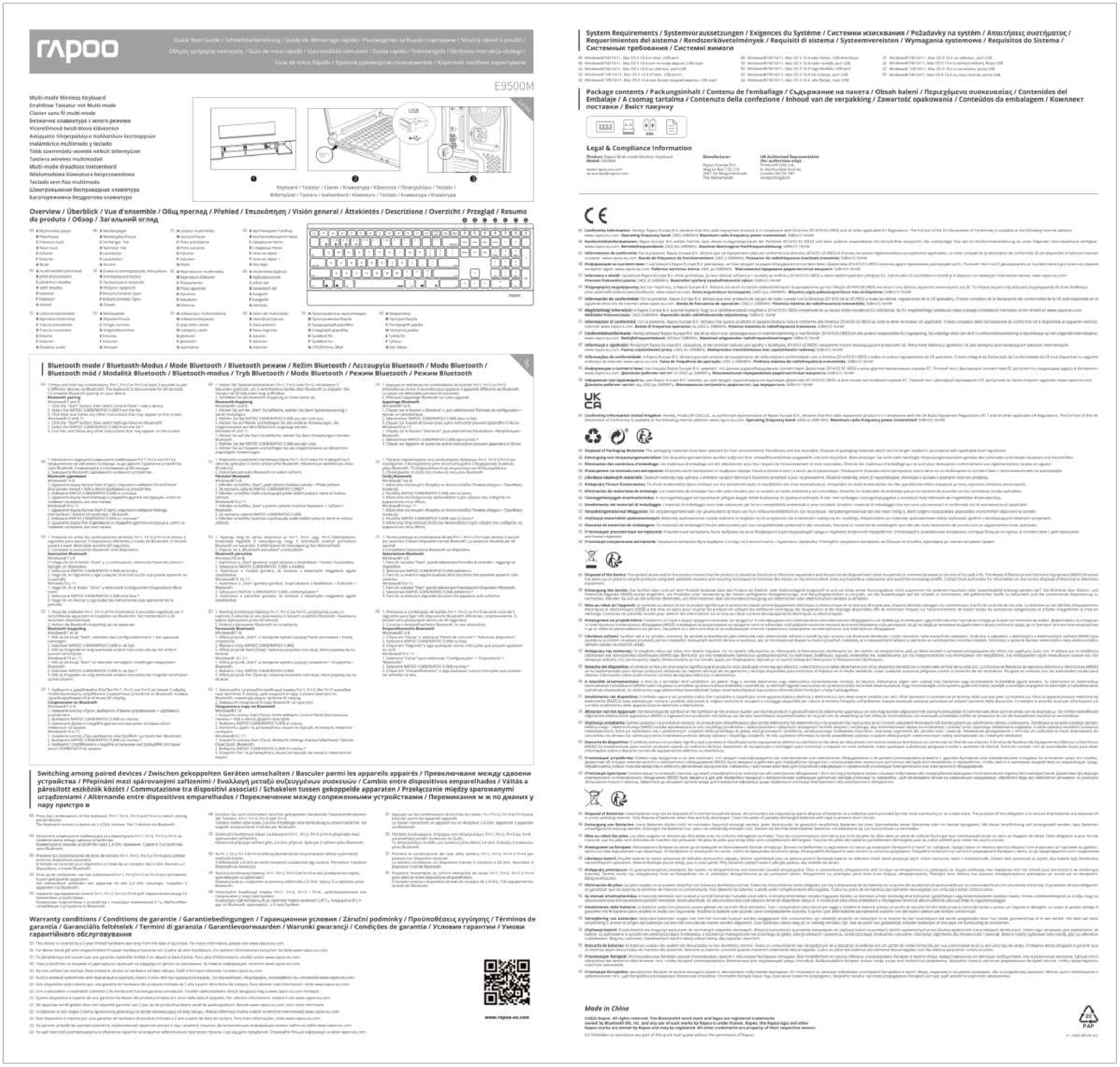
Swaraview
- Pamuter multimedia
- Play / Ngaso
- Trek sadurunge
- Trek sabanjure
- Volume-
- Volume +
- bisu
Mode Bluetooth
- Pencet terus kombinasi tombol, Fn+1, Fn+2 utawa Fn+3 paling sethithik 3 detik kanggo masangake 3 piranti beda liwat Bluetooth. Papan tombol bisa ditemokake sajrone 60 detik.
- Pasangake Bluetooth lengkap ing piranti sampeyan.
Pasangake Bluetooth Windows®7 lan 8:
- Klik tombol "Mulai", banjur pilih Panel Kontrol> Tambah piranti
- Pilih RAPOO BT3.0 KB/RAPOO BLE KB saka dhaptar.*
- Klik Sabanjure banjur tututi pandhuan liyane sing bisa ditampilake ing layar.
Windows®1 0:
- Klik tombol "Mulai", banjur pilih Setelan> Piranti> Bluetooth.
- Pilih RAPOO BT3.0 KB/RAPOO BLE KB saka dhaptar.*
- Klik Pasangan banjur tindakake pandhuan liyane sing bisa ditampilake ing layar.
Cathetan: RAPOO BLE mbutuhake Win8 utawa versi sing luwih anyar
Dokumen / Sumber Daya
 |
rapoo E9500M Multi-Mode Wireless Keyboard [pdf] Pandhuan pangguna 3079, PP23079, E9500M Multi-Mode Wireless Keyboard, Multi-Mode Wireless Keyboard |
 |
rapoo E9500M Multi Mode Wireless Keyboard [pdf] Pandhuan pangguna E9500M Multi Mode Wireless Keyboard, E9500M, E9500M Keyboard, E9500M Wireless Keyboard, Multi Mode Wireless Keyboard, Multi Mode Keyboard, Wireless Keyboard, Keyboard |


