
1. Pambuka
This manual provides essential information for setting up, operating, maintaining, and troubleshooting your HP Pavilion 16-inch 2K Laptop. Please read this guide thoroughly to ensure optimal performance and longevity of your device.
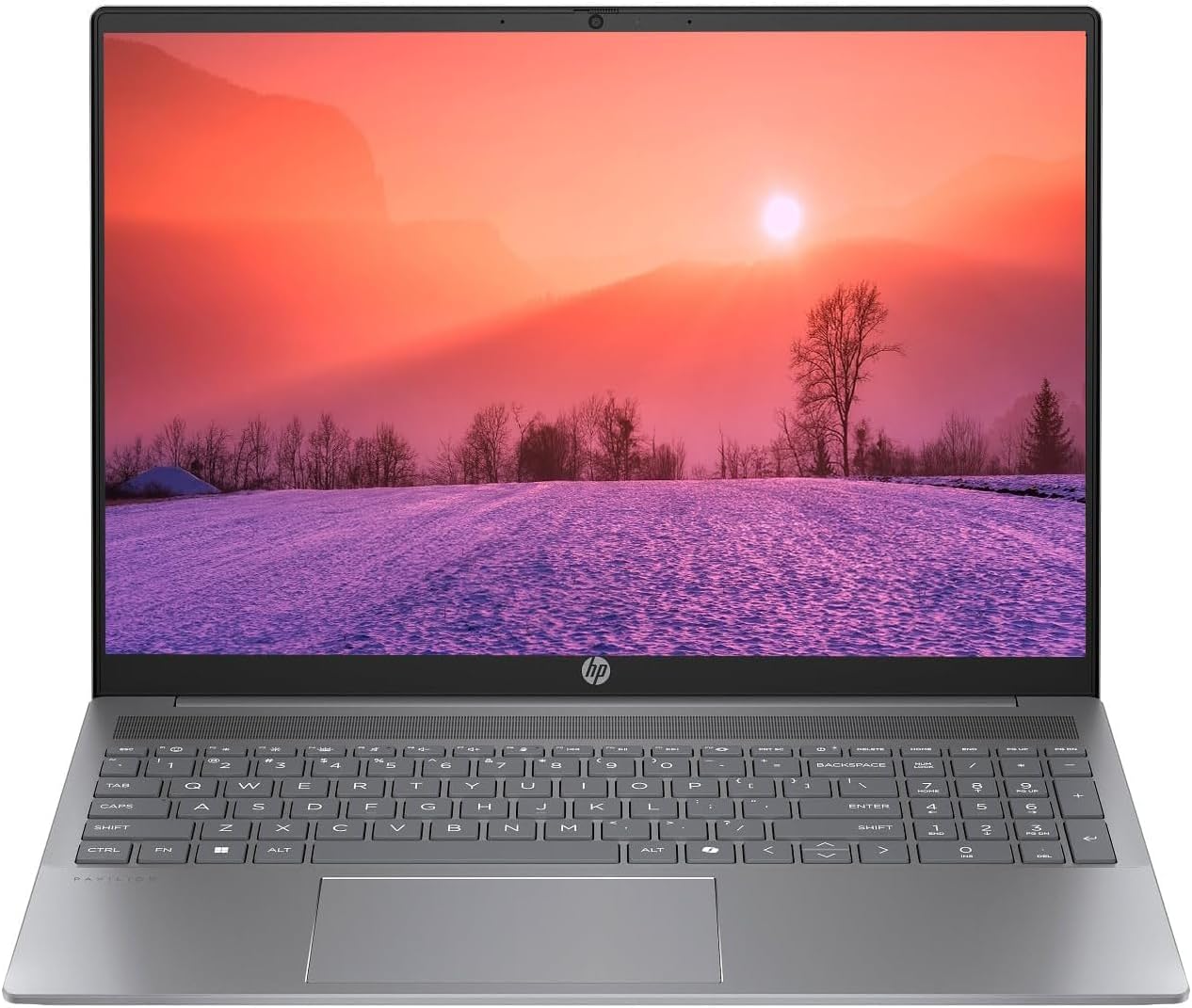
Figure 1.1: HP Pavilion 16-inch Laptop (Angled View)
This image displays the HP Pavilion 16-inch laptop in an open, angled position, highlighting its display and keyboard layout.
2. Setup
2.1 Mbukak kemasan lan Inspeksi Awal
Carefully remove the laptop and all accessories from the packaging. Inspect for any signs of damage. If any components are missing or damaged, contact your retailer or HP support immediately.
2.2 Daya Nyambung
- Connect the AC adapter to the power connector on the side of your laptop.
- Tancepake kabel listrik menyang stopkontak.
- Allow the laptop to charge for at least 30 minutes before initial use, especially if the battery is completely drained.
2.3 Boot Awal lan Persiapan Windows 11
Press the power button to turn on your laptop. Follow the on-screen instructions to complete the Windows 11 Home OS setup, including language selection, network connection, and user account creation.
2.4 Nyambungake Peripherals
Laptop sampeyan duwe macem-macem port kanggo nyambungake piranti eksternal:
- Port USB Tipe-C (2): For data transfer, charging compatible devices, and video output.
- USB Type-A Ports (2): Kanggo nyambungake piranti USB standar kaya clurut, keyboard, utawa drive eksternal.
- HDMI Port (1): Kanggo nyambungake menyang tampilan njaba utawa proyektor.
- Headphone/Microphone Combo Jack (1): Kanggo nyambungake headphone, speaker eksternal, utawa headset nganggo mikropon.
3. Instruksi Operasi
3.1 Mode Urip/Mati lan Turu
- Daya On: Pencet tombol daya sing ana ing dek keyboard.
- mateni: Klik tombol Mulai ing Windows, banjur pilih Daya > Mati.
- Mode Turu: Tutup tutup laptop utawa klik tombol Mulai, banjur pilih Daya > Turu.
3.2 Nggunakake Keyboard lan Touchpad
Laptop iki nduweni keyboard ukuran lengkap lan touchpad presisi.
- Papan tombol mburi: To activate or adjust the keyboard backlight, use the dedicated function key (usually F5 or F4, look for a keyboard icon).
- Gerakan Touchpad: Deloken setelan Windows 11 kanggo gerakan touchpad sing bisa disesuaikan (contone, gulung rong driji, cubit kanggo nggedhekake).
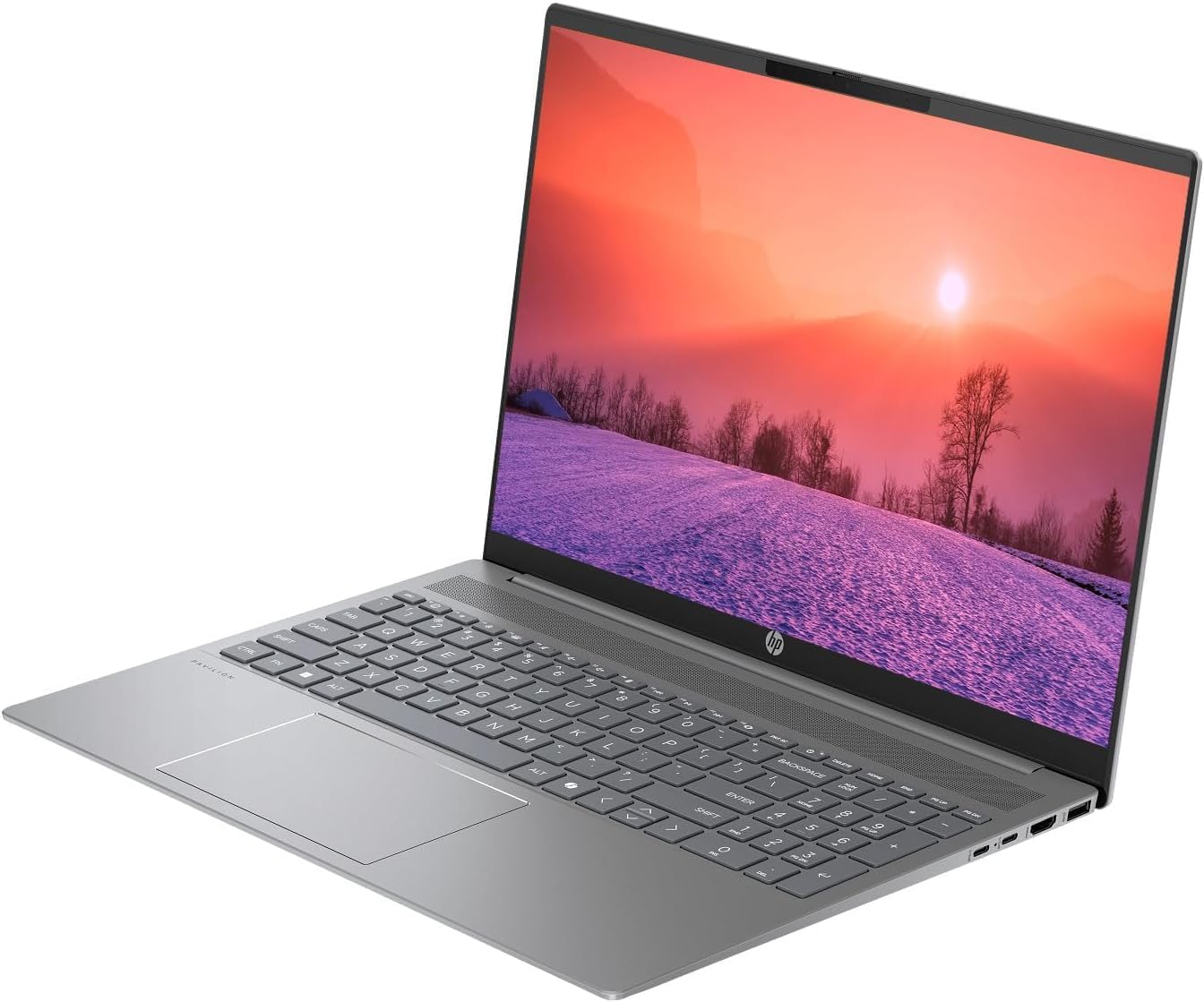
Figure 3.1: HP Pavilion 16-inch Laptop (Front View)
This image shows the HP Pavilion 16-inch laptop from a direct front view, highlighting the screen and keyboard.
3.3 Konektivitas Nirkabel
- Wi-Fi 6: Kanggo nyambung menyang jaringan nirkabel, klik lambang Wi-Fi ing taskbar, pilih jaringan sampeyan, banjur ketik sandhi.
- Bluetooth: To pair Bluetooth devices, go to Windows Settings > Bluetooth & devices, and turn on Bluetooth.
3.4 Nggunakake Webcam
HD terpadu webcam can be used for video calls and conferences. Access it through applications like Camera, Microsoft Teams, or Zoom.
4. Pangopènan
4.1 Reresik Laptop
- Gunakake kain sing alus lan ora ana serat dampkaro banyu utawa resik layar kanggo tampilan.
- Kanggo keyboard lan sasis, gunakake kain alus. Ngindhari bahan kimia sing atos.
- Gunakake udara sing dikompres kanggo mbusak bledug saka ventilasi kanthi periodik.
4.2 Perawatan Baterai
- Aja nganti rampung nguras baterei kanthi kerep.
- Simpen laptop ing panggonan sing adhem lan garing yen ora digunakake kanggo wektu sing suwe.
- For optimal battery health, avoid continuous charging at 100% for prolonged durations.
4.3 Nganyari Piranti Lunak
Regularly check for and install Windows updates to ensure system stability, security, and performance. Go to Windows Settings > Windows Update.
4.4 Manajemen panyimpenan
Reresik kanthi periodik sing ora perlu files and applications to maintain optimal performance of the 512GB SSD. Use Windows built-in tools like Disk Cleanup or Storage Sense.
5. Ngatasi masalah
This section addresses common issues you might encounter with your HP Pavilion laptop.
5.1 Laptop Ora Urip
- Priksa manawa adaptor AC disambungake kanthi aman menyang laptop lan stopkontak sing bisa digunakake.
- Verifikasi stopkontak listrik bisa digunakake kanthi masang piranti liyane.
- Yen baterei wis entek, ngidini kanggo ngisi daya paling sethithik 30 menit sadurunge nyoba urip.
5.2 Masalah Sambungan Wi-Fi
- Priksa manawa Wi-Fi diaktifake ing setelan Windows.
- Wiwiti maneh router lan modem.
- Priksa manawa sampeyan ana ing jangkauan jaringan Wi-Fi.
- Coba lali jaringan lan sambungake maneh.
5.3 Keyboard Backlight Not Working
- Press the dedicated keyboard backlight function key (e.g., F5 or F4) to toggle or adjust the brightness.
- Check Windows Mobility Center settings (search for it in the Start menu) for backlight options.
5.4 Kinerja alon
- Nutup aplikasi sing ora perlu mlaku ing latar mburi.
- Priksa manawa Windows nganyari.
- Run a disk cleanup and check for malware.
- Verify that the laptop is not overheating.
6. Spesifikasi
| Fitur | Spesifikasi |
|---|---|
| Jeneng Model | HP 16" Laptop |
| Prosesor | AMD Ryzen 5 8540U (Up to 4.89GHz) |
| RAM | 8GB LPDDR5 |
| Panyimpenan | 512GB SSD |
| Tampilan | 16-inch WUXGA 2K (1920 x 1200 pixels) LED |
| Grafis | AMD Radeon Graphics (Darmabakti) |
| Sistem Operasi | Windows 11 Home OS |
| Pelabuhan | 2x USB Type-C, 2x USB Type-A, 1x HDMI, 1x Headphone/Microphone Combo Jack |
| Konektivitas Nirkabel | Wi-Fi 6 (802.11ax), Bluetooth |
| Papan ketik | Backlit |
| Webcam | ya wis |
| Ukuran (L x W x H) | 14.17" x 9.2" x 0.7" |
| Baterei | Lithium Ion, 4 Watt Hours |
| UPC | 197961359091 |
7. Warranty lan Dhukungan
7.1 Informasi babar pisan
This HP Pavilion laptop comes with a Jaminan 30-Day. Please retain your proof of purchase for any warranty claims. The warranty covers manufacturing defects under normal use conditions.
7.2 Dhukungan Pelanggan
For further assistance, technical support, or warranty inquiries, please visit the official HP support website or contact their customer service. You can typically find contact information and support resources by searching for "HP Support" online.