
1. Pambuka
This manual provides essential information for the safe and efficient use of your Infinix Smart 10 smartphone. Please read this guide thoroughly before operating your device to ensure optimal performance and longevity. Keep this manual for future reference.
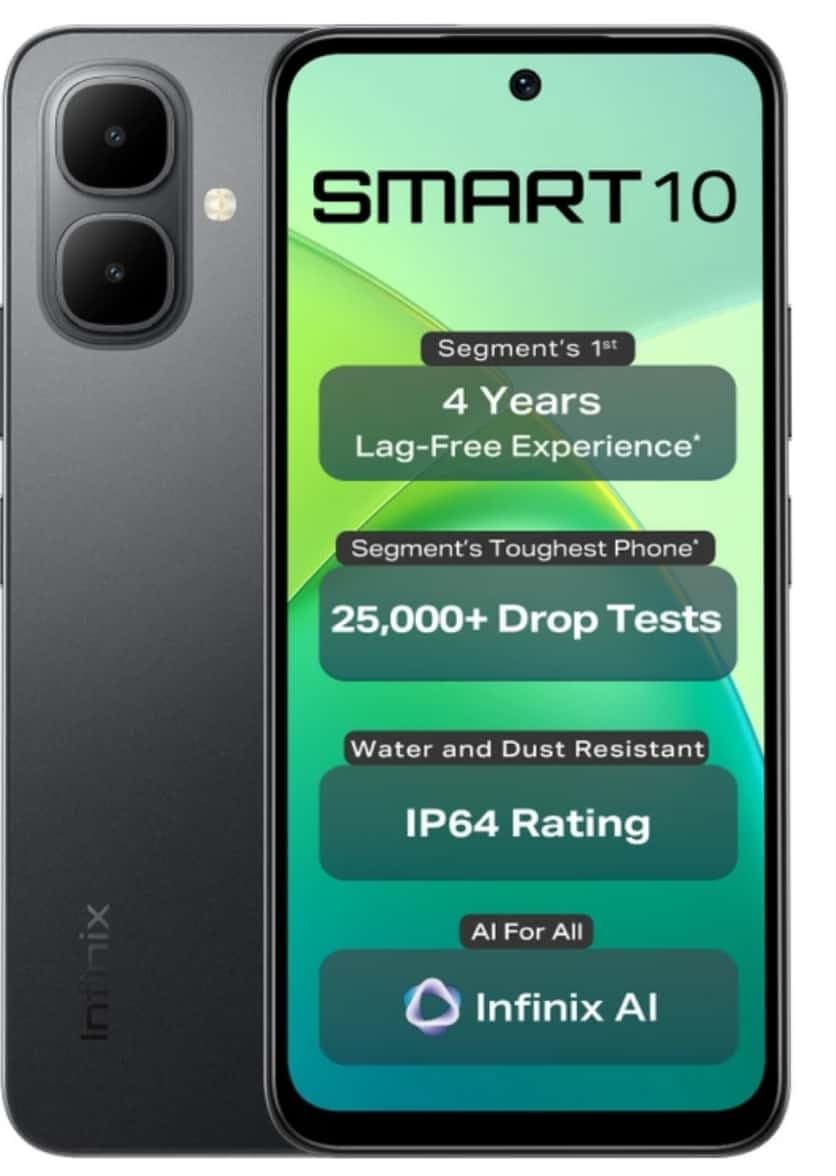
Image: Infinix Smart 10 smartphone, showcasing its design and highlighted features such as durability and performance.
2. Piranti Liwatview
Familiarize yourself with the physical components of your Infinix Smart 10.
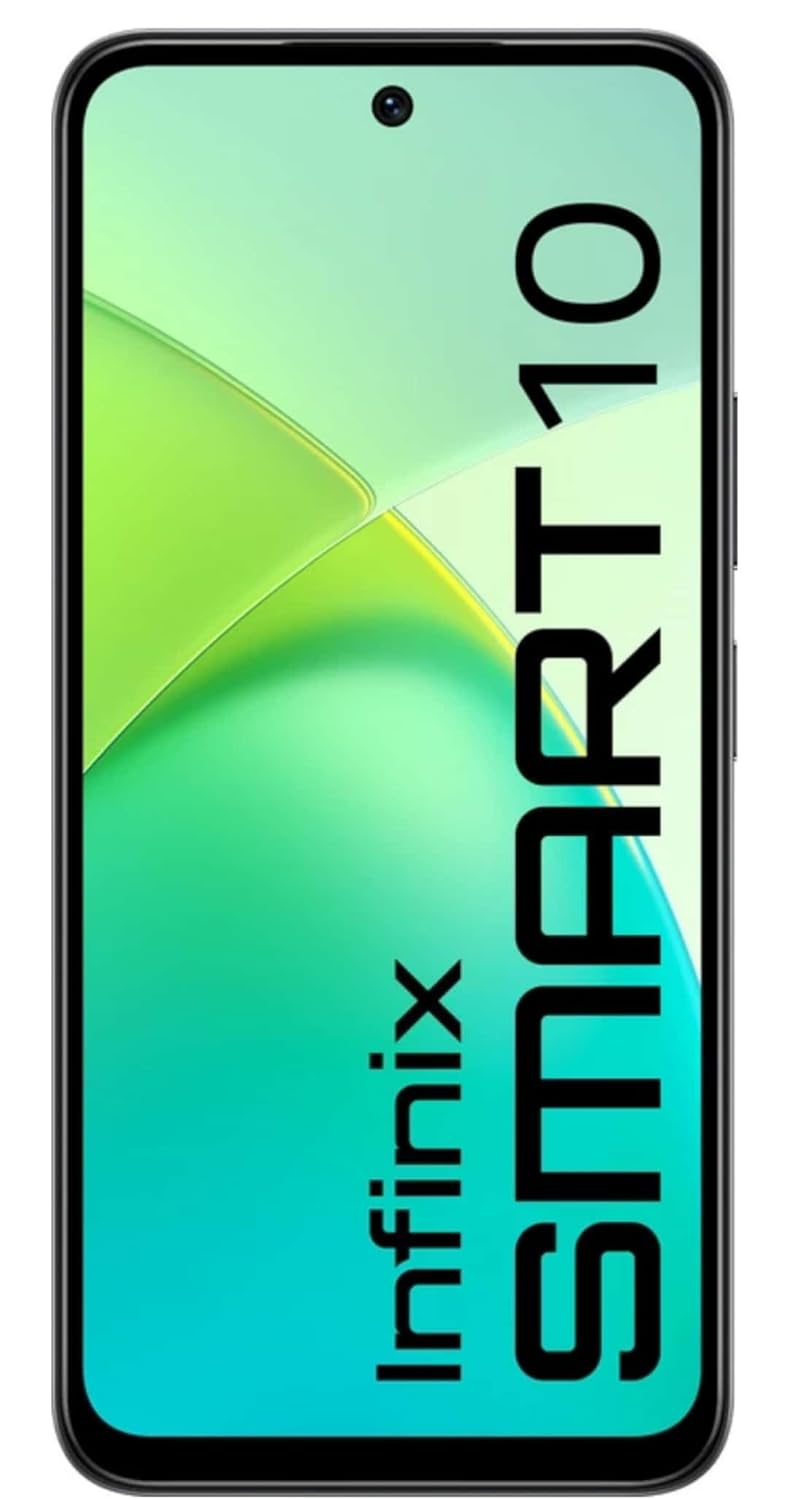
Gambar: Ngarep view of the Infinix Smart 10, displaying its screen.

Gambar: mburi view of the Infinix Smart 10, showing the camera setup and branding.
3. Setup
3.1 Unboxing lan Isi Paket
Sawise mbukak paket, priksa manawa kabeh item ana:
- Infinix Smart 10 Smartphone
- Headset
- Kabel Pengisian Daya (USB)
- Adaptor Daya
- Alat Ejector SIM
- Pandhuan wiwitan cepet
- Kartu Garansi
3.2 Nglebokake kertu SIM lan MicroSD
- Goleki tray SIM ing sisih pinggir piranti.
- Lebokake alat ejector SIM menyang bolongan cilik ing jejere tray banjur pencet alon-alon nganti tray metu.
- Selehake kertu Nano-SIM lan/utawa kertu microSD menyang slot sing wis ditemtokake ing tray, kanthi mesthekake orientasi sing bener.
- Surung tray bali menyang piranti kanthi ati-ati nganti rata karo sisihe.
3.3 Daya wiwitan lan persiyapan
- Pencet terus tombol Daya nganti logo Infinix katon.
- Turuti pandhuan ing layar kanggo milih basa, nyambung menyang Wi-Fi, nyetel akun Google, lan ngatur setelan keamanan.
3.4 Ngisi daya piranti
Before first use, fully charge your Infinix Smart 10. Connect the USB cable to the charging port on your phone and the power adapter, then plug the adapter into a power outlet. The battery indicator will show charging status.

Image: The Infinix Smart 10 connected to a charger, illustrating its 5000mAh battery.
4. Ngoperasikake Piranti
4.1 Pandhu arah dhasar
Your Infinix Smart 10 uses a touchscreen interface. Common gestures include:
- Tutul: Pilih item utawa mbukak aplikasi.
- Gesek: Gulung layar utawa dhaptar.
- Jiwit: Zoom in utawa metu ing gambar lan web kaca.
- Tekan dawa: Ngakses menu kontekstual utawa pindhah lambang.
4.2 Fitur Tampilan
The device features a 16.94 cm (6.67 inch) HD+ Display with a 120Hz refresh rate, designed for smooth visuals even in bright conditions.

Image: The Infinix Smart 10 display showcasing vibrant visuals and the 120Hz refresh rate.
4.3 Operasi kamera
The Infinix Smart 10 is equipped with an 8MP front camera and an 8MP dual rear camera, capable of 2K video recording. It includes a Dual LED Flash, Dual Video Mode for simultaneous front and rear recording, and a Pro Mode for advanced photography.

Image: A user demonstrating the camera features of the Infinix Smart 10, highlighting its various modes and specifications.
4.4 Manajemen baterei
Your device is powered by a 5000 mAh battery, offering extended usage times. To optimize battery life:
- Nyetel padhange layar.
- Nutup aplikasi sing ora digunakake.
- Pateni Wi-Fi, Bluetooth, lan GPS nalika ora digunakake.
- Utilize power-saving modes.
4.5 Kinerja Prosesor
The Infinix Smart 10 is powered by the UniSoc T7250 Processor, designed for efficient performance and a smooth user experience, certified for 48-month TÜV Fluency.

Image: A visual representation of the UniSoc T7250 processor, highlighting its performance capabilities.
4.6 Konektivitas
The device supports Wi-Fi for internet access and Bluetooth for connecting to wireless accessories. Access these settings via the Quick Settings panel or the main Settings menu.
5. Pangopènan
5.1 Perawatan Umum
To maintain your device:
- Ngresiki layar lan awak nganggo kain sing alus lan tanpa serat.
- Aja nganti telpon kena suhu ekstrem utawa sinar srengenge langsung sajrone wektu sing suwe.
- Aja nggunakake bahan kimia sing atos utawa bahan abrasif kanggo ngresiki.
5.2 Fitur kekiatan
The Infinix Smart 10 is designed with durability in mind, featuring an IP64 rating for water and dust resistance, and has undergone over 25,000 drop tests, including 1.5-meter 6-sided drop tests.

Image: The Infinix Smart 10 demonstrating its robust build and resistance to drops.
5.3 Nganyari Piranti Lunak
Priksa lan nginstal nganyari piranti lunak kanthi rutin kanggo mesthekake yen piranti sampeyan duwe fitur paling anyar, patch keamanan, lan perbaikan kinerja. Navigasi menyang Setelan > Sistem > Nganyari sistem kanggo mriksa nganyari.
6. Ngatasi masalah
Yen sampeyan nemoni masalah karo piranti, coba langkah-langkah ing ngisor iki:
- Piranti ora urip: Priksa manawa baterei wis diisi. Sambungake menyang pangisi daya lan ngenteni sawetara menit sadurunge nyoba urip maneh.
- Aplikasi nabrak utawa beku: Close and restart the app. If the issue persists, clear the app's cache (Settings > Apps > [App Name] > Storage > Clear cache).
- Konektivitas jaringan sing kurang: Priksa apa Mode Pesawat wis mati. Wiwiti maneh piranti. Priksa manawa kertu SIM sampeyan wis dipasang kanthi bener.
- Device slow performance: Nutup aplikasi latar mburi. Mbusak cache lan sementara files. Anggep reset pabrik minangka pilihan pungkasan (serep data dhisik).
6.1 Pabrik Reset
Reset menyang setelan pabrik bakal mbusak kabeh data saka telpon lan mulihake menyang setelan pabrik asli. Gawe serep kabeh data penting sadurunge nerusake. Kanggo ngreset menyang setelan pabrik, bukak Setelan > Sistem > Opsi Reset > Busak kabeh data (reset pabrik).
7. Spesifikasi
| Fitur | Spesifikasi |
|---|---|
| Nomer Model | X6725 |
| Sistem Operasi | Android 15 |
| RAM | 4 GB |
| Panyimpenan internal | 64 GB ROM |
| Tampilan | 16.94 cm (6.67 inch) HD+ Display, 120Hz |
| Kamera mburi | 8MP Dual Camera, 2K Video Recording, Dual LED Flash |
| Kamera ngarep | 8MP, 2K Video Recording |
| Baterei | 5000 mAh |
| Prosesor | UniSoc T7250 |
| Konektivitas | Wi-Fi |
| Ukuran (LxWxH) | 8 x 77 x 166 milimeter |
| Bobot Barang | 187 g |
| warna | Pulse Green (Note: Color may vary by region/variant) |
| Fitur Khusus | IP64 Water and Dust Resistant, 25,000+ Drop Tests |
8. Warranty lan Dhukungan
8.1 Informasi babar pisan
Your Infinix Smart 10 comes with a standard manufacturer's warranty. Please refer to the warranty card included in your package for specific terms, conditions, and duration. Keep your proof of purchase for warranty claims.
8.2 Dhukungan Pelanggan
For technical assistance, service, or further inquiries, please contact Infinix customer support through their official websitus utawa informasi kontak sing kasedhiya ing dokumentasi babar pisan.