
ByteUp C80
ByteUp C80 Portable Thermal Printer User Manual
Model: C80
1. Pambuka
The ByteUp C80 Portable Thermal Printer is a compact and lightweight device designed for convenient printing on the go. It utilizes thermal printing technology, eliminating the need for ink cartridges, and supports various paper types including US Letter, A4 thermal, and tattoo transfer paper. This manual provides essential information for setting up, operating, maintaining, and troubleshooting your C80 printer.
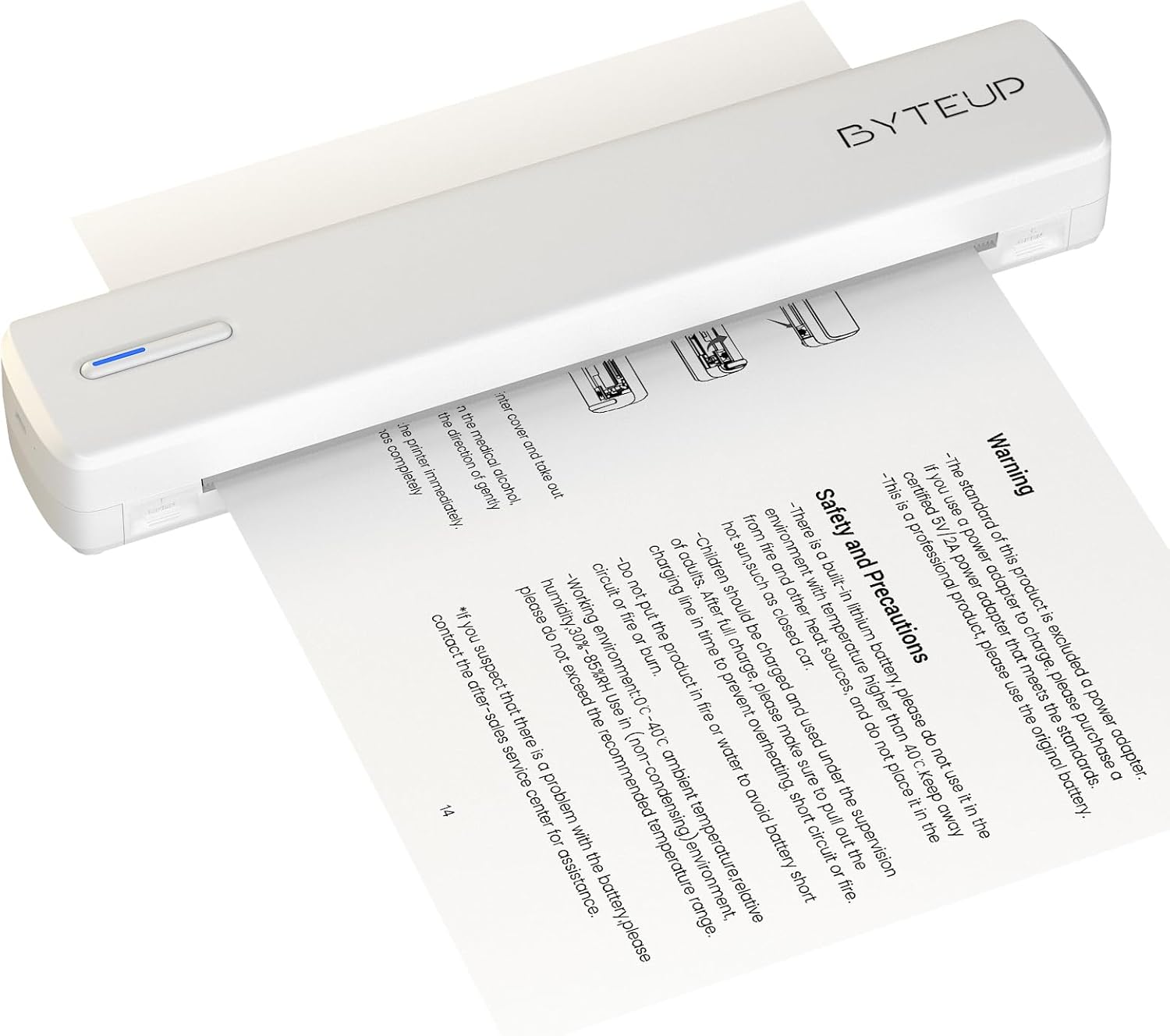
Image 1.1: The ByteUp C80 Portable Thermal Printer in operation, demonstrating paper feeding.
2. Pancegahan Safety
To ensure safe and proper operation of your ByteUp C80 printer, please observe the following precautions:
- The standard product package does not include a power adapter. If a power adapter is required, please purchase a certified 5V/2A power adapter that meets safety standards.
- This device contains a built-in lithium battery. Do not use it in environments with temperatures exceeding 40°C (104°F) or near open flames and other heat sources.
- The battery should be charged and used under supervision. Do not leave children unattended during charging.
- Do not put the product in fire or water to avoid battery short circuit or fire.
- Operating environment: 0°C - 40°C (32°F - 104°F) ambient temperature, relative humidity 30%-85% (non-condensing).
- If you suspect a problem with the battery, please contact the after-sales service center for assistance.
3. Apa ing Box
Upon unpacking your ByteUp C80 Portable Thermal Printer, verify that all the following components are included:
- 1 x C80 Printer
- 20 x US Letter Size Thermal Paper sheets
- 1 x User Manual (dokumen iki)
- 1 x Kartu Panduan
- 1 x U disk (containing drivers and software)
4. Pandhuan Setup
4.1 Ngisi daya Printer
Before first use, fully charge the printer using a compatible 5V/2A USB-C power adapter (not included). Connect the USB-C cable to the printer's charging port and the other end to the power adapter. The indicator light will show charging status.
4.2 Loading Kertas
The C80 printer uses thermal paper only. It does not support regular copy paper.
- Open the paper input cover.
- Insert the thermal paper with the printable side facing up. Ensure the paper is aligned correctly and smoothly.
- Close the paper input cover. The printer will automatically feed a small amount of paper to confirm loading.

Image 4.1: The ByteUp C80 printer supports various paper sizes including US Letter, A4 Thermal, and Tattoo Transfer Paper.
5. Instruksi Operasi
5.1 Powering On / Off
- Kanggo nguripake: Pencet terus tombol daya nganti lampu indikator murup.
- Kanggo mateni: Pencet terus tombol daya nganti lampu indikator mati.
5.2 Pilihan Konektivitas
The ByteUp C80 printer offers both Bluetooth and USB-C connectivity for versatile use with various devices.

Image 5.1: The ByteUp C80 printer supports both USB and Bluetooth connections for printing from laptops, smartphones, and other devices.
5.2.1 Bluetooth Connection (for iOS, Android)
- Priksa manawa printer wis diuripake lan ana ing jangkauan piranti seluler sampeyan.
- Aktifake Bluetooth ing piranti seluler sampeyan.
- Open the dedicated ByteUp printing application (refer to the U disk for software installation).
- Within the app, search for available Bluetooth devices and select "C80" to pair.
- Once paired, you can select documents (PDF, Word, Images, Web) from your phone to print.
5.2.2 USB-C Connection (for Laptop/PC)
- Connect the printer to your laptop or PC using the provided USB-C cable.
- Install the printer drivers from the included U disk. Follow the on-screen instructions for installation.
- Once drivers are installed, the printer will appear as an available printer in your system's print dialogue.
- Select the C80 printer and adjust print settings as needed before printing.
5.3 Printing Dokumen
Always remember to choose the correct paper size setting on your phone or PC to match the thermal paper you are using. The printer supports monochrome (black and white) printing only.

Image 5.2: The ByteUp C80 printer is capable of high-resolution monochrome printing, suitable for various documents including tattoo stencils.
6. Pangopènan
6.1 Ngresiki Print Head
Regular cleaning of the print head ensures optimal print quality.
- Priksa manawa printer wis dipateni lan dicopot saka sumber daya apa wae.
- Gently open the paper input cover.
- Gunakake kain sing alus lan ora ana serat dampened with isopropyl alcohol to wipe the print head surface.
- Enteni sirah print nganti garing kabeh sadurunge nutup tutup lan nguripake printer.
6.2 Panyimpenan Kertas
Store thermal paper in a cool, dry place away from direct sunlight and excessive heat to preserve its quality and print longevity.
7. Ngatasi masalah
| Masalah | Kemungkinan Penyebab | Solusi |
|---|---|---|
| Printer ora urip | Baterei kurang utawa ora ana daya | Charge the printer fully using a 5V/2A USB-C adapter. |
| Poor print quality / Faded prints | Dirty print head; Low quality thermal paper; Paper loaded incorrectly | Clean the print head (refer to Section 6.1); Use high-quality thermal paper; Ensure paper is loaded correctly with printable side up. |
| Printer ora nyambung liwat Bluetooth | Bluetooth not enabled; Printer not in pairing mode; Interference | Ensure Bluetooth is enabled on your device; Restart printer and device; Move closer to the printer; Check app for pairing instructions. |
| Printer ora dikenali dening PC liwat USB | Driver ora diinstal; Kabel/port USB rusak | Install drivers from the U disk; Try a different USB-C cable or port. |
| Kertas macet | Kertas dimuat kanthi ora bener; Kertas rusak | Power off the printer, gently remove jammed paper, reload new paper correctly. |
8. Spesifikasi Produk
- Jeneng Model: C80
- Merk: ByteUp
- Teknologi Printing: Thermal
- Teknologi konektivitas: Bluetooth, USB-C
- Output Printer: Monokrom (Ireng lan Putih)
- Resolusi Cetak Ireng Putih Maksimum: 203 dpi (Dots Per Inch)
- Kacepetan Cetak Maks Monokrom: 4 ppm (kaca per menit)
- Ukuran Media Maksimal: 8.5x11 inches (US Letter)
- Media Cetak sing Didhukung: Thermal Paper (Roll paper, Fan-fold paper, Tattoo transfer paper)
- Kapasitas Lembar Input Maks: 20 lembar
- Printing Duplex: Ora (Mung Simple)
- Antarmuka Hardware: USB Tipe C
- Warna tinta: Black (Thermal printing, no ink required)
- Ukuran produk: 12.99"D x 3.35"W x 3.15"H (33x8.5x8 cm)
- Bobot barang: 1.8 pon (0.82 kg)
- Baterei: 1 Baterei Nonstandar (kalebu)
- Produsen: shanyin
9. Warranty lan Dhukungan
For warranty information and technical support, please refer to the contact details provided on the ByteUp official website or the guide card included in your product package. If you encounter any issues not covered in this manual, or require further assistance, please do not hesitate to contact our customer service team.
Ask a question about this manual
Ask about setup, troubleshooting, compatibility, parts, safety, or missing instructions. Manuals+ will review the question and use this page’s manual context to help answer it.