
Pambuka
Welcome to the instruction manual for your Dubstep Buzz X8 Wireless Earbuds. These earbuds are designed to provide a high-quality audio experience with advanced features. This manual will guide you through the setup, operation, and maintenance of your device.
Apa ing Box
Paket kasebut ngemot barang-barang ing ngisor iki:
- Earbud Nirkabel
- Kasus Pengisian Nirkabel
- Kabel Tipe C
- Manual pangguna
- Bantalan kuping (ukuran macem-macem)

Image: Contents of the Dubstep Buzz X8 Earbuds box, showing the earbuds, charging case, Type-C charging cable, and additional ear cushions.
Produk Overview
The Dubstep Buzz X8 Wireless Earbuds feature a sleek design and are equipped with 13mm dynamic drivers for powerful sound. The charging case provides extended battery life and convenient storage.

Image: Dubstep Buzz X8 Wireless Earbuds in Neon Green, placed within their open charging case.
Komponen Earbud
- Area Kontrol Tutul: Kanggo ngatur puter maneh, telpon, lan asisten swara.
- Mikrofon: Dual microphones with Environmental Noise Cancellation (ENC) for clear calls.
- Tips kuping: Silicone ear tips for a comfortable and secure fit.
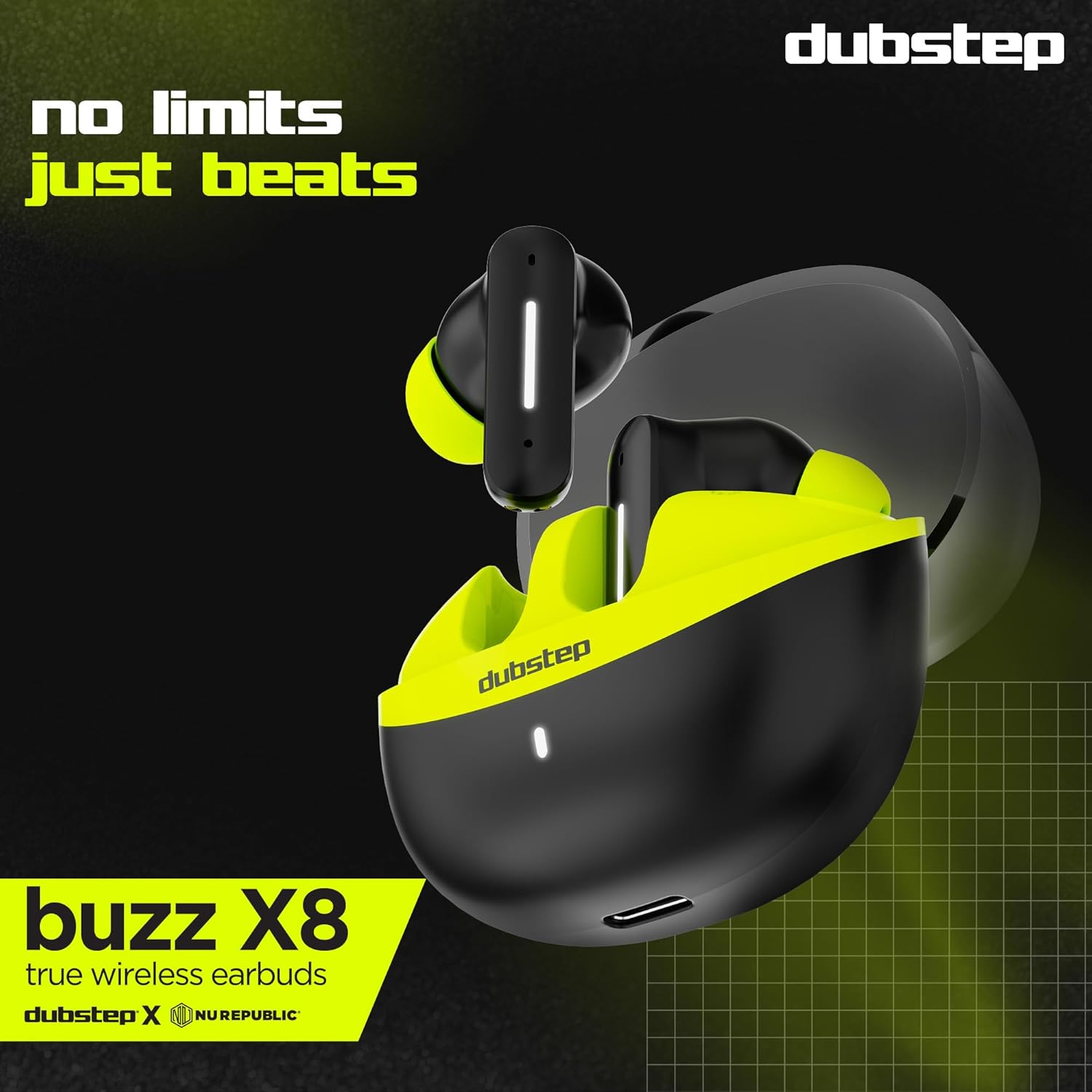
Gambar: Detil view of the earbuds and charging case, illustrating their internal and external features.
Setup
1. Ngisi daya Earbuds lan Case
Before first use, fully charge the earbuds and the charging case. Connect the provided Type-C cable to the charging port on the case and a compatible USB power source. The LED indicator on the case will show charging status.
- A 15-minute quick charge provides approximately 200 minutes of playtime.
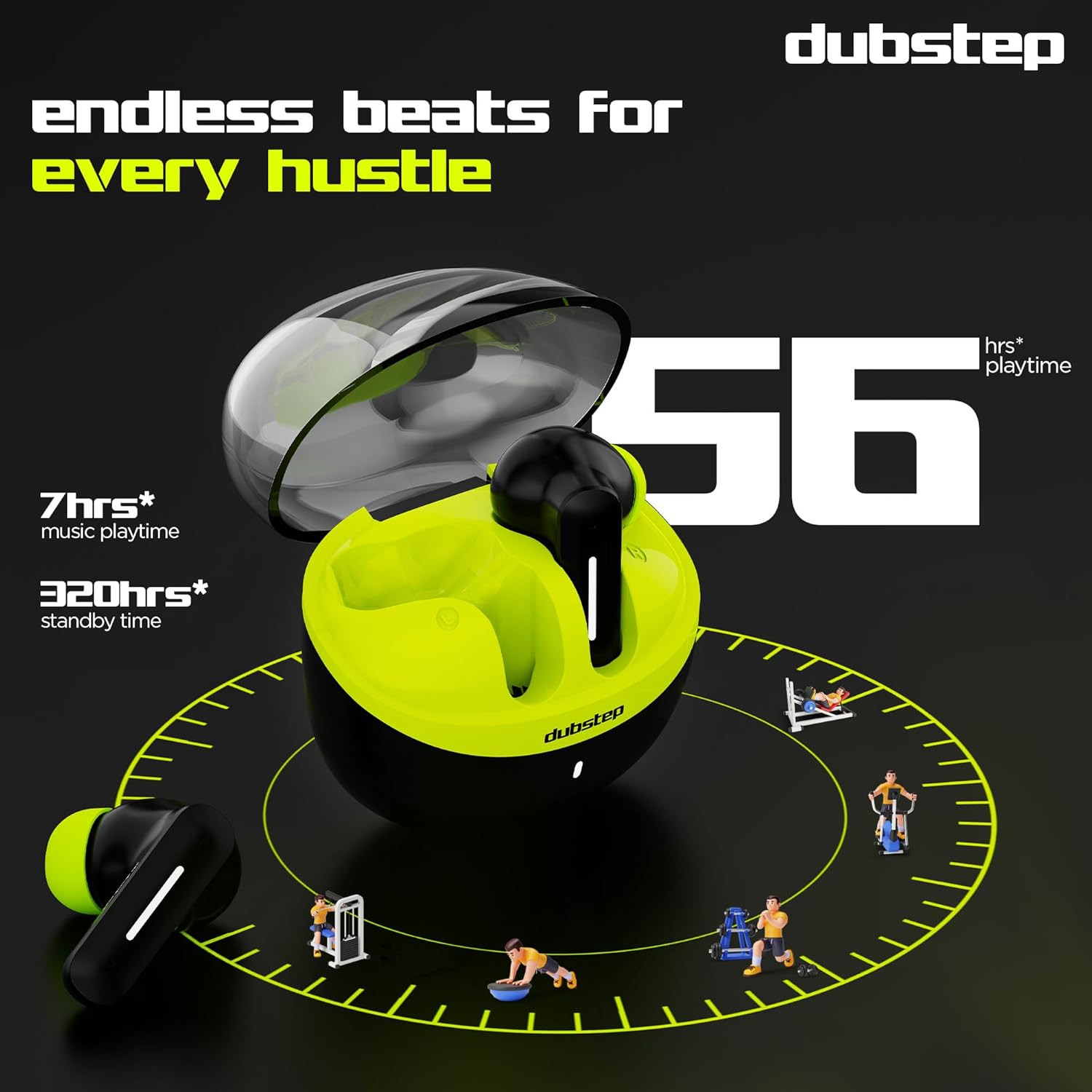
- Total playtime with the charging case is up to 56 hours.
- Earbuds provide 7 hours of continuous music playback on a single charge.

Image: The charging case of the Dubstep Buzz X8 earbuds connected to a Type-C cable for charging.
2. Masangake karo Piranti
- Bukak kotak pangisi daya. Earbud bakal kanthi otomatis mlebu mode pasangan.
- Ing piranti (smartphone, tablet, laptop), aktifake Bluetooth.
- Nggoleki "Dubstep Buzz X8" in the list of available Bluetooth devices.
- Select "Dubstep Buzz X8" to connect. Once connected, you will hear an audio prompt.
- The earbuds feature Bluetooth v5.3 for stable and efficient wireless connectivity.

Image: A smartphone displaying the Bluetooth connection screen, showing the Dubstep Buzz X8 earbuds successfully paired.
Instruksi Operasi
Kontrol Tutul
The Dubstep Buzz X8 earbuds feature intuitive touch controls on each earbud. Refer to the following table for common functions:
| Tumindak | Fungsi |
|---|---|
| Tutul Tunggal | Puter / Ngaso musik, Jawab / Mungkasi telpon |
| Tutul kaping pindho | Volume Munggah (+) / Volume Mudhun (-) |
| Ketuk Tiga | Lacak Sadurunge / Lacak Sabanjure |
| Long Press | Aktifake / Pateni Asisten Swara |
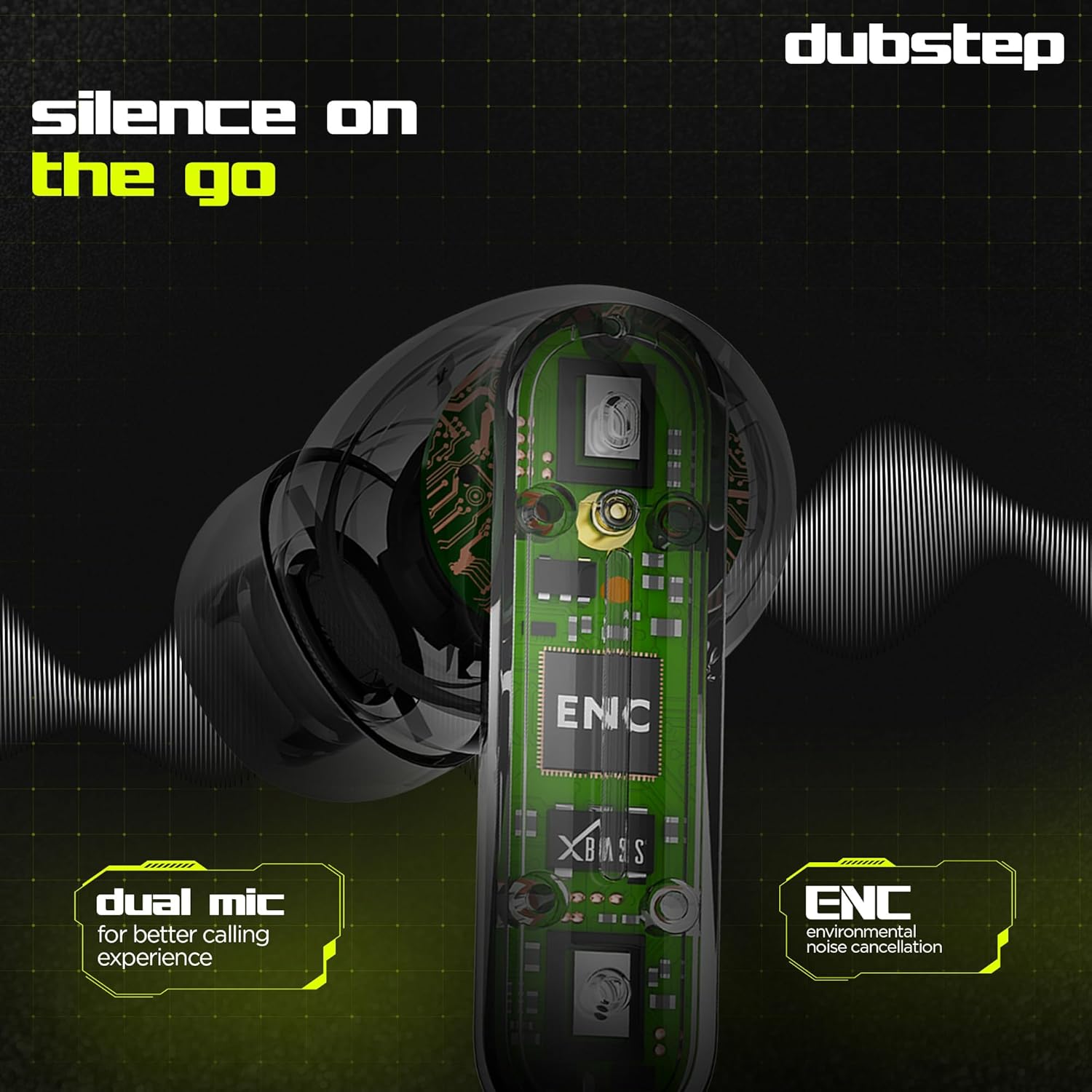
Image: Visual guide to the touch control gestures on the earbuds and their corresponding functions.
Pembatalan Noise Lingkungan (ENC)
The earbuds are equipped with ENC technology and dual microphones to reduce ambient noise during calls, ensuring clear communication.
Gambar: internal view of the earbud highlighting the ENC technology and dual microphone system.
Pangopènan
To ensure the longevity and optimal performance of your Dubstep Buzz X8 Wireless Earbuds, follow these maintenance guidelines:
- Reresik: Ajeg ngresiki earbuds lan kasus pangisi daya nganggo kain sing alus, garing, tanpa serat. Aja nggunakake bahan kimia sing atos utawa bahan abrasif.
- Tips kuping: Copot lan resiki pucuk kuping kanthi periodik nganggo banyu lan sabun alus, banjur garingake kanthi resik sadurunge dipasang maneh.
- Tahan banyu: The earbuds are splash and sweat resistant, making them suitable for workouts. However, they are not waterproof. Avoid submerging them in water.
- Panyimpenan: Yen ora digunakake, simpen earbud ing kothak pangisi daya kanggo nglindhungi lan tetep diisi daya.
- Suhu: Aja nganti earbud kena suhu ekstrem (panas utawa adhem) utawa sinar srengenge langsung sajrone wektu sing suwe.
Ngatasi masalah
If you encounter issues with your Dubstep Buzz X8 Wireless Earbuds, refer to the following common solutions:
| Masalah | Solusi |
|---|---|
| Earbuds ora dipasangake | Ensure earbuds are charged. Turn off and on Bluetooth on your device. Place earbuds back in case, close, then reopen to re-enter pairing mode. |
| Ora ana swara saka siji earbud | Check battery level of both earbuds. Try re-pairing the earbuds with your device. Clean earbud mesh for any blockages. |
| Volume kurang | Adjust volume on both your device and the earbuds. Ensure ear tips provide a good seal. |
| Kasus pengisian daya ora diisi | Verify the Type-C cable is properly connected to both the case and the power source. Try a different cable or power adapter. |
| Asisten swara ora nanggapi | Ensure the earbuds are connected to your device. Check your device's settings for voice assistant activation. Perform a long press on the earbud touch area. |
Spesifikasi
| Fitur | Rincian |
|---|---|
| Jeneng Model | Buzz X8 |
| Teknologi Konektivitas | Bluetooth 5.3 |
| Ukuran Driver Audio | 13 Milimeter |
| Total Playtime | Nganti 56 jam (kanthi kasus pengisian) |
| Wektu Maén Earbud (ngisi daya sapisan) | 7 jam |
| Wektu siyaga | 320 jam |
| Ngisi daya cepet | 15 mins charge = 200 mins playtime |
| Port Pengisian | Tipe-C |
| Kontrol swara | Pembatalan Noise Lingkungan (ENC) |
| Mikrofon | Sistem Mikrofon Ganda |
| Tipe Kontrol | Touch Control, Voice Assistant |
| Tingkat tahan banyu | Splash and Sweat Resistant |
| Bobot Barang | 40 XNUMXgm |
| Dimensi produk | 3.5 x 2.5 x 4.5 cm |
Warranty lan Dhukungan
Your Dubstep Buzz X8 Wireless Earbuds come with a standard brand warranty. For detailed warranty information, troubleshooting guides, and further support, please visit the official user manuals page: