
Pambuka
Matur nuwun kanggo tukuasing the RadioShack 240W Retro Style Bluetooth Vintage Speaker. This manual provides essential information for the safe and efficient use of your speaker. Please read it thoroughly before operation and retain it for future reference.

Figure 1: RadioShack Retro Style Bluetooth Vintage Panutur
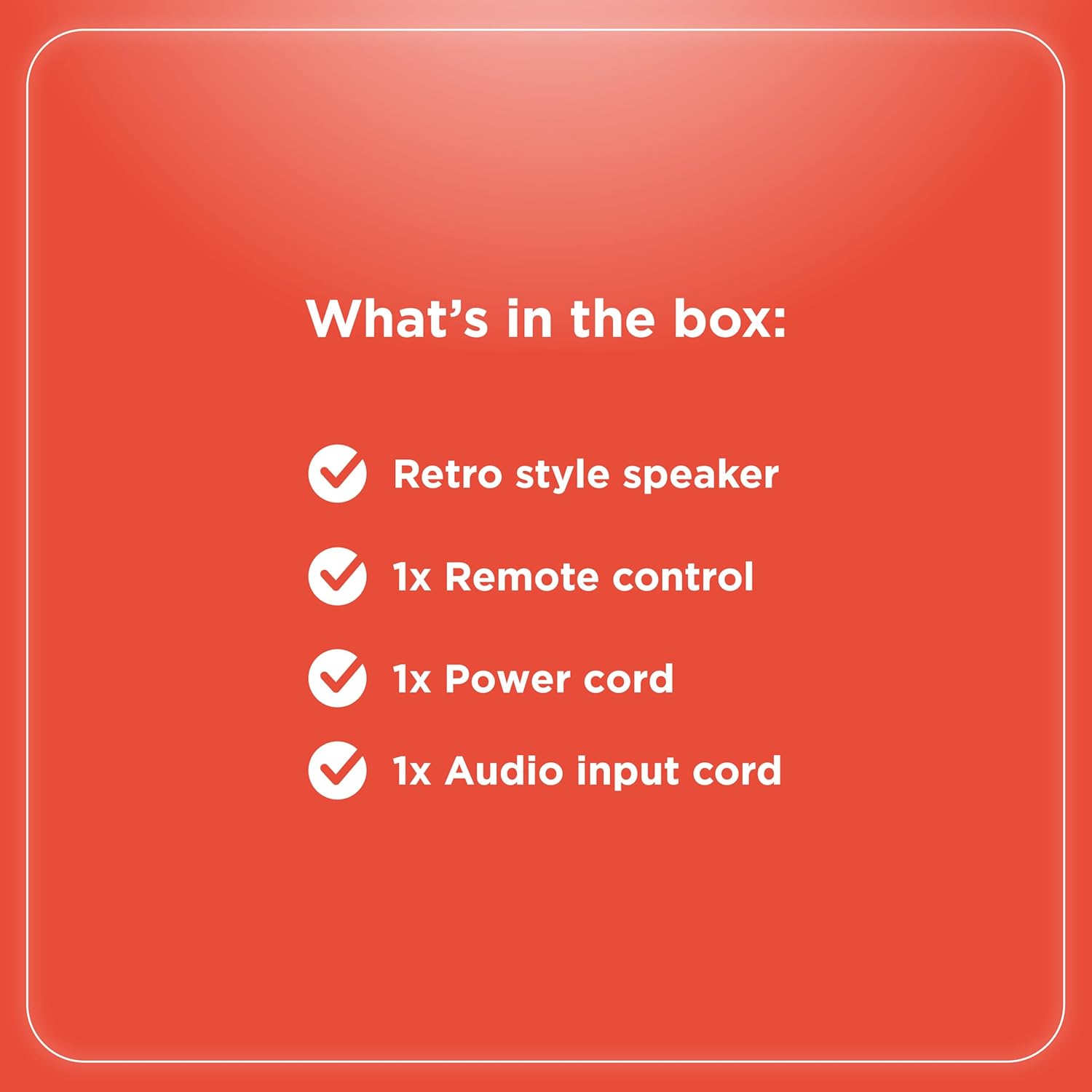
Isi Paket
Priksa manawa kabeh item ana ing paket kasebut:
- Retro style speaker
- 1 x Remote kontrol
- 1x Kabel listrik
- 1x Audio input cord

Gambar 2: Isi Paket
Setup
- Sambungan daya: Connect the provided power cord to the speaker's power input and then to a standard electrical outlet.
- Panggonan: Selehake speaker ing permukaan sing stabil lan rata. Priksa manawa ventilasi sing cukup ing sekitar unit.
- Antenna (FM Radio): Extend the FM antenna for optimal radio reception.
- Nyambungake piranti njaba:
- Input AUX: Use the included audio input cord to connect devices via the AUX port.
- Input USB: Pasang USB drive karo MP3 files menyang port USB kanggo muter maneh.
- Optical/ARC Input: Connect compatible devices using an optical cable or HDMI ARC cable (not included) to the respective ports.
Gambar 3: Sambungan Panel mburi

Gambar 4: Pilihan Konektivitas
Instruksi Operasi
Kontrol Liwatview
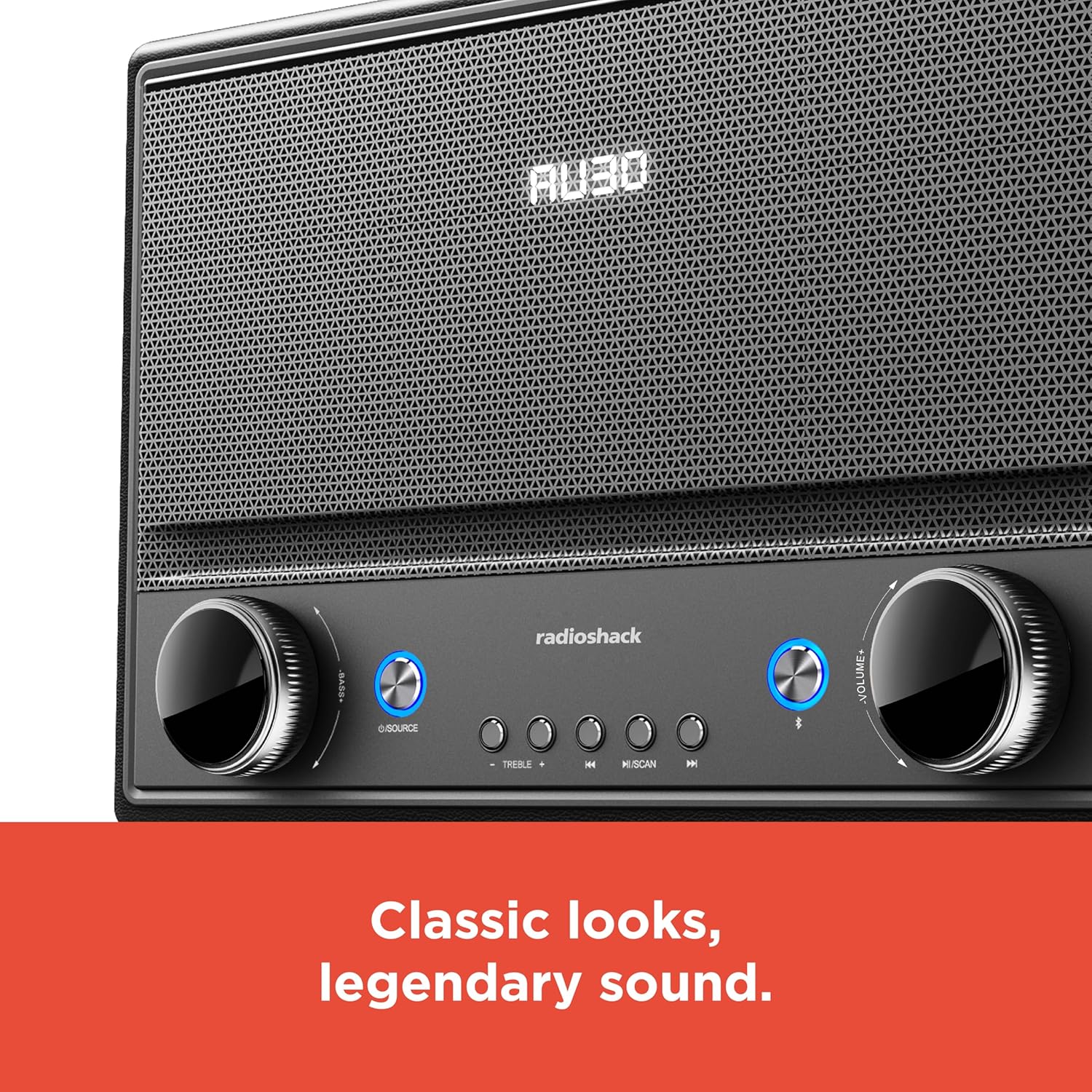
Gambar 5: Kontrol Panel Ngarep
- Daya On/Off: Press the Power button (usually located on the front panel or remote) to turn the speaker on or off.
- Pilihan Sumber: Press the "SOURCE" button repeatedly to cycle through input modes: Bluetooth, FM Radio, USB, AUX, Optical, ARC.
- Pangaturan volume: Rotate the "VOLUME" knob clockwise to increase volume and counter-clockwise to decrease it. Alternatively, use the volume buttons on the remote control.
- Kontrol Nada: Use the "BASS" and "TREBLE" knobs to adjust the low and high frequencies of the audio output.
- Masangake Bluetooth:
- Select Bluetooth mode using the "SOURCE" button. The speaker will enter pairing mode, indicated by a flashing LED.
- On your device (smartphone, tablet, etc.), enable Bluetooth and search for "RadioShack Speaker".
- Pilih speaker saka dhaptar sing arep dipasangake. Nada konfirmasi bakal muni yen sambungan sukses.
- Operasi Radio FM:
- Pilih mode Radio FM.
- Press the "SCAN" button to automatically scan and save available FM stations.
- Use the "PREV" and "NEXT" buttons to navigate between saved stations or manually tune.
- Puter maneh USB:
- Lebokake drive USB sing ngemot audio MP3 files menyang port USB.
- Select USB mode. Playback should begin automatically.
- Use the "PLAY/PAUSE", "PREV", and "NEXT" buttons to control playback.

Gambar 6: Kontrol Intuisi
Pangopènan
- Reresik: Use a soft, dry cloth to clean the speaker's exterior. Do not use liquid cleaners or abrasive materials, especially on the leather body and metal grill.
- Panyimpenan: Yen ora digunakake kanggo wektu sing suwe, simpen speaker ing papan sing adhem lan garing adoh saka sinar srengenge langsung lan suhu sing ekstrem.
- Nyegah Kelembapan: Jaga speaker adoh saka banyu lan kelembapan sing dhuwur supaya ora ngrusak komponen internal.
Ngatasi masalah
| Masalah | Kemungkinan Penyebab | Solusi |
|---|---|---|
| Ora ana daya | kabel daya ora nyambung; stopkontak ora aktif. | Ensure power cord is securely connected to both speaker and a working power outlet. |
| Ora ana swara | Volume too low; incorrect source selected; device not connected properly. | Increase volume. Select the correct input source. Check all cable connections or Bluetooth pairing. |
| Bluetooth ora nyambung | Speaker ora ing mode pasangan; piranti adoh banget; gangguan. | Ensure speaker is in Bluetooth pairing mode. Move device closer to speaker. Disconnect other Bluetooth devices. |
| Resepsi FM sing kurang apik | Antena ora ditambahi; sinyal lemah. | Fully extend the FM antenna. Try repositioning the speaker for better signal. |
Spesifikasi
- Merk: RadioShack
- Nomer Model: 4001974
- Daya Output: 240 Watt
- Teknologi konektivitas: Bluetooth, USB, AUX, FM Radio, Optical, ARC
- Ukuran produk (L x W x H): 8.98" x 15.75" x 10.79"
- Sumber Daya: Kabel Listrik Kab
- Teknologi Tuner: FM
- Band radio sing didhukung: 2-Band
- Bahan: Kulit, Logam
- Fitur Khusus: Gaya Retro
Garansi
The manufacturer's warranty information is not provided in the product details. Please refer to your purchase receipt or contact the retailer for specific warranty terms.
Dhukungan
For further assistance or inquiries, please visit the official RadioShack website or contact their customer support. Keep your model number (4001974) handy when seeking support.
Official RadioShack Store: RadioShack Store on Amazon