
1. Produk Liwatview
The S80/S80 Pro Smart Translator is a portable AI-powered device designed for seamless communication across language barriers. It offers a range of translation functions, including online, offline, photo, and simultaneous interpretation, making it suitable for travel, business, and learning environments. The S80 Pro model includes a camera function for photo translation.

Gambar 1: Ngarep view of the S80/S80 Pro Smart Translator, displaying its user interface with options for online translation, offline translation, photo translation, and simultaneous interpretation.
1.1 Isi Paket
Sawise mbukak kothak, priksa manawa kabeh barang sing kadhaptar ing ngisor iki isih ana lan ana ing kahanan sing apik:
- 1 x S80/S80 Pro Smart Translator Device
- 1 x Manual pangguna
- 1 x Kabel Data (USB-C)
2. Fitur Produk
The S80/S80 Pro Smart Translator is equipped with advanced features to facilitate communication:
- Terjemahan Online: Supports translation in up to 138 languages when connected to the internet.
- Terjemahan Offline: Provides high-precision translation for 18 commonly used languages (including Chinese, English, Japanese, Korean) without an internet connection.
- Interpretasi simultan: Enables real-time, simultaneous translation with subtitle display and bilingual control, allowing for hands-free communication.
- ChatGPT AI Assistant Integration: Utilizes advanced AI technology for intelligent suggestions, information retrieval, and enhanced daily conversation translation.
- Smart Recording: Records memos and provides real-time translation of recorded content.
- Group Translation: Facilitates group chats with multiple participants speaking different languages, supporting up to 117 people in the same group.
- Language Learning Mode: Allows users to read text and receive intelligent scoring for language practice.
- Exchange Rate & Unit Conversion: Convenient tools for travel and international shopping, including currency and unit conversions.
- Photo Translation (S80 Pro only): Translates text from images captured by the device's camera.
- Multilingual System Interface: Supports 18 system language settings for a personalized user experience.

Figure 2: An illustration detailing the comprehensive features of the S80/S80 Pro Smart Translator, highlighting its capabilities for diverse communication needs.
3. Pandhuan Setup
3.1 Ngisi daya wiwitan
Before first use, fully charge the device using the provided USB-C data cable and a compatible power adapter (not included). The charging indicator will show progress, and the device will indicate when charging is complete.
3.2 Powering On / Off
- Kanggo Power On: Press and hold the Power button (usually located on the side) for a few seconds until the screen illuminates.
- Kanggo mateni: Press and hold the Power button until a power-off menu appears on the screen. Select "Power Off" or "Shut Down".
3.3 Sambungan Jaringan (Wi-Fi)
For online translation and other internet-dependent features, connect the device to a Wi-Fi network:
- Saka layar ngarep, navigasi menyang Setelan.
- Pilih Wi-Fi.
- Ngalih Wi-Fi On.
- Pilih jaringan sing dikarepake saka dhaptar.
- Ketik sandhi Wi-Fi yen dijaluk banjur tutul Nyambung.
3.4 Setelan Basa
To set the device's system language:
- Menyang Setelan.
- Pilih Basa & Input (utawa padha).
- Choose your preferred system language from the available 18 options.
4. Instruksi Operasi
4.1 Basic Translation Modes
The device offers several translation modes accessible from the main screen:
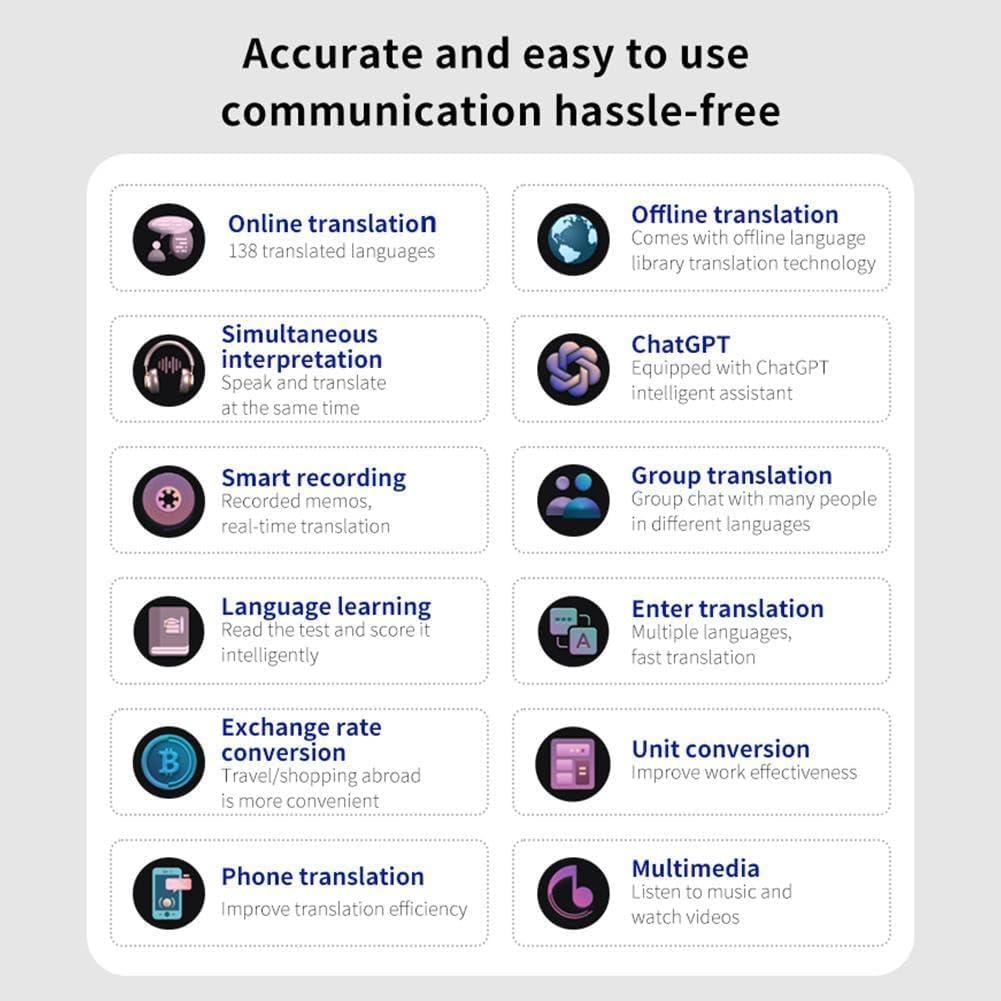
Figure 3: The main interface of the translator, illustrating the quick access icons for different translation functionalities.
4.1.1 Online Translation
Requires an active Wi-Fi connection. Supports 138 languages.
- Tutul ing Terjemahan Online lambang.
- Select the source and target languages.
- Press and hold the designated microphone button (usually marked with a language icon) and speak clearly. Release the button to hear the translation.
4.1.2 Terjemahan Offline
No internet connection required. Supports 18 pre-loaded languages.
- Tutul ing Terjemahan Offline lambang.
- Select the desired offline language pair.
- Press and hold the microphone button and speak. Release to get the translation.
4.1.3 Photo Translation (S80 Pro only)
Utilizes the built-in camera to translate text from images.
- Tutul ing Terjemahan Foto lambang.
- Align the text you wish to translate within the camera frame.
- Tap the capture button. The device will process the image and display the translated text.
4.1.4 Interpretasi Simultan
For real-time, continuous translation in conversations.
- Tutul ing Interpretasi bebarengan lambang.
- Set the two languages for interpretation.
- Begin speaking. The device will automatically detect the language and provide real-time translation, often with on-screen subtitles.

Figure 4: The S80/S80 Pro Smart Translator facilitating simultaneous interpretation in a group setting, emphasizing its hands-free operation and high-fidelity audio output.
4.2 Fungsi Lanjut
4.2.1 Group Translation
Allows multiple users to communicate in a group chat across different languages.
- Akses menyang Terjemahan Grup feature from the main menu.
- Create a new group or join an existing one using a group ID.
- Participants can speak in their native language, and the device will translate for others in the group.

Figure 5: The group translation interface, demonstrating how multiple users can engage in cross-language communication within a single chat session.
4.2.2 Kurs & Konversi Unit
Access these utilities for quick calculations during travel or daily use.
- Navigasi menyang piranti or Utilitas bagean.
- Pilih Konversi kurs or Konversi Unit.
- Input the values and select the desired units/currencies for conversion.

Figure 6: The device's interface for exchange rate and unit conversions, providing practical tools for various daily scenarios.
5. Pangopènan
5.1 Ngresiki Piranti
- Use a soft, lint-free cloth to wipe the screen and body of the device.
- Kanggo smudges wangkal, rada dampresiki kain nganggo banyu utawa pembersih layar. Aja nggunakake bahan kimia sing atos utawa bahan abrasif.
- Priksa manawa ora ana cairan sing mlebu ing bolongan utawa bolongan.
5.2 Panyimpenan
- Simpen piranti ing panggonan sing adhem lan garing adoh saka sinar srengenge langsung lan suhu sing ekstrem.
- Yen disimpen sajrone wektu sing suwe, priksa manawa batere wis diisi nganti udakara 50% supaya umure luwih dawa.
5.3 Nganyari Piranti Lunak
Periodically check for software updates to ensure optimal performance and access to new features:
- Connect the device to Wi-Fi.
- Menyang Setelan > Babagan Piranti > Nganyari piranti lunak (utawa padha).
- Tindakake pituduh ing layar kanggo ngundhuh lan nginstal nganyari sing kasedhiya.
6. Ngatasi masalah
This section addresses common issues you might encounter with your Smart Translator.
| Masalah | Kemungkinan Penyebab | Solusi |
|---|---|---|
| Piranti ora urip. | Baterei lemah; piranti macet. | Charge the device for at least 30 minutes. If still unresponsive, perform a forced restart (refer to manual for specific button combination, usually holding power button for 10+ seconds). |
| Terjemahan ora akurat utawa alon. | Poor internet connection (online mode); unclear speech; outdated software. | Ensure stable Wi-Fi. Speak clearly and at a moderate pace. Check for and install software updates. |
| Terjemahan offline ora bisa digunakake. | Offline language packs not downloaded or corrupted. | Connect to Wi-Fi and download/re-download the required offline language packs from settings. |
| Photo translation not working (S80 Pro). | Poor lighting; text too small/blurry; camera lens obstructed. | Ensure adequate lighting. Hold the device steady and close enough for clear text. Clean the camera lens. |
| Device freezes or crashes frequently. | Too many applications running; low storage; software bug. | Close background applications. Clear cache or free up storage. Perform a factory reset if issues persist (Cathetan: Iki bakal mbusak kabeh data). |
7. Spesifikasi
Technical specifications for the S80 and S80 Pro Smart Translators:
| Fitur | Model S80 | S80 Pro Model |
|---|---|---|
| Memori | 1GB RAM + 8GB Panyimpenan | 1GB RAM + 8GB Panyimpenan |
| Kapasitas baterei | 1000 mAh | 1500 mAh |
| Photo Translation Function | Ora | ya wis |
| Nomer Model | N/A (Generic-562303-94 for S80pro) | Generik-562303-94 |
| Merk | Umum | Umum |
| Konektivitas | Wi-Fi | |
| Basa Offline | 18 (Chinese, English, Japanese, Korean, etc.) | |
| Online Languages | Nganti 138 | |
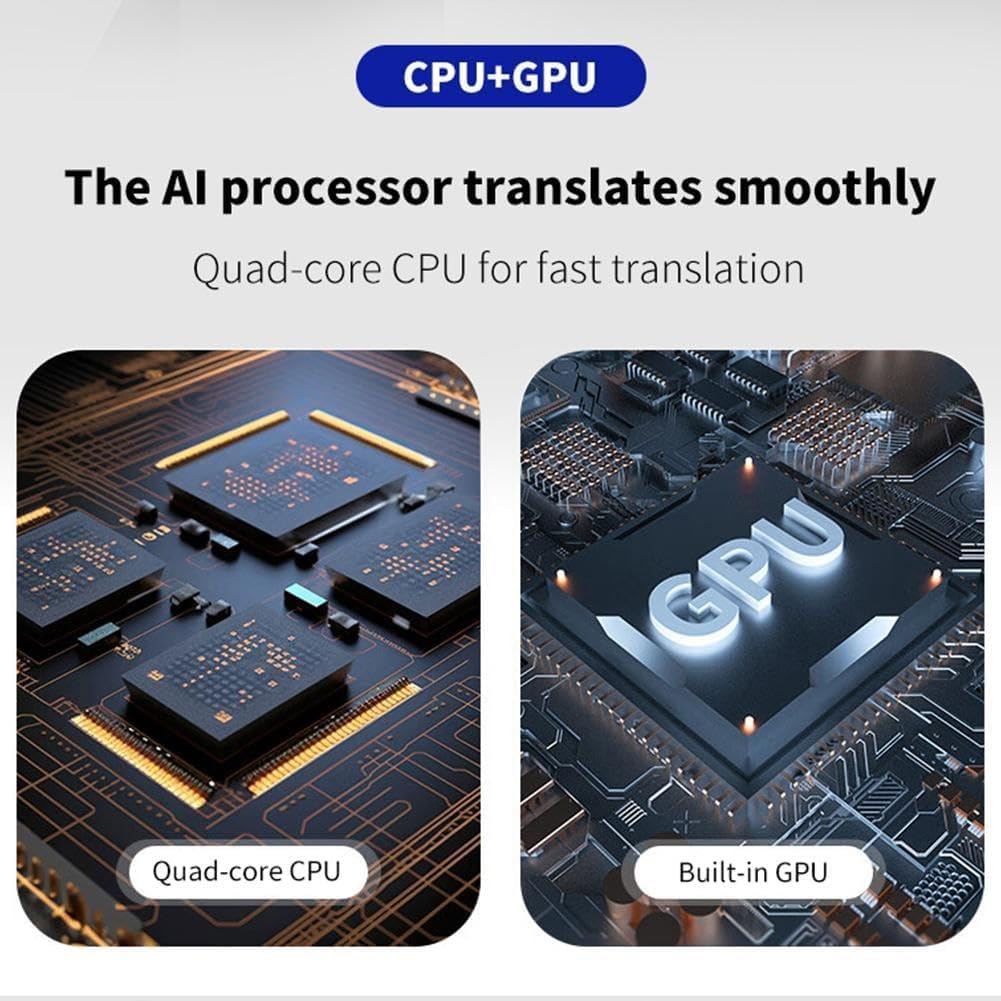
Figure 7: Illustration of the internal AI processor, featuring a Quad-core CPU and Built-in GPU, designed for smooth and efficient translation.
8. Warranty & Dhukungan
8.1 Informasi babar pisan
This product comes with a standard manufacturer's warranty. Please refer to the warranty card included in your package for specific terms and conditions, including warranty duration and coverage details. Keep your purchase receipt as proof of purchase for warranty claims.
8.2 Dhukungan Pelanggan
For technical assistance, troubleshooting, or warranty inquiries, please contact the manufacturer or seller through the platform where you purchased the device. Provide your model number (S80pro or Generic-562303-94) and a detailed description of the issue to expedite support.
For further assistance, you may also visit the product's support page on the retailer's website or contact the seller directly via their contact information provided at the time of purchase.