
Pambuka
The JBL Live Flex 3 wireless in-ear Bluetooth earbuds offer a premium audio experience with advanced features designed for convenience and sound quality. This manual provides detailed instructions for setup, operation, and maintenance to ensure optimal performance of your earbuds.

Image: The JBL Live Flex 3 earbuds, featuring an open-back stick design, are shown alongside their smart charging case. The earbuds are black with metallic accents, and the case has a small display screen.
Apa ing Box
Priksa manawa kabeh komponen ana ing paket kasebut:
- 1 Pair of JBL Live Flex 3 Earbuds
- 4 Pairs of Ear Tips in Different Sizes
- 1 Kabel Pengisian USB-C
- 1 Smart Charging Case
- 1 Warranty Bill/Warning
- 1 Quick Guide/Safety Sheet

Image: The JBL Live Flex 3 earbuds are placed inside their open charging case. Icons around the image highlight features such as wireless charging, Google Finder for locating lost earbuds, water and dust resistance, and control via the JBL Headphones app.
Setup
1. Pairing wiwitan
- Daya On: Bukak kotak pangisi daya. Earbud bakal kanthi otomatis mlebu mode pasangan.
- Sambungan Bluetooth: On your device (smartphone, tablet, computer), navigate to the Bluetooth settings and select "JBL Live Flex 3" from the list of available devices.
- FastPair (Android 6.0+): For Android devices running 6.0 or higher, a pop-up notification will appear on your screen when the earbuds are nearby. Tap to connect.
- Microsoft Swift Pair (Windows 10 v1803+): For Windows 10 devices (version 1803 or later), a notification will appear to facilitate quick pairing.
2. Aplikasi Headphone JBL
Enhance your listening experience by downloading the JBL Headphones app. The app allows you to customize audio settings, manage noise cancellation, and access additional features. Nggoleki "JBL Headphones" in your device's app store.
Instruksi Operasi
Kontrol Tutul
The JBL Live Flex 3 earbuds feature intuitive touch controls. Specific functions can be customized via the JBL Headphones app.
- Puter / Ngaso: Tutul sapisan ing salah siji earbud.
- Trek Sabanjure: Tutul kaping pindho ing kuping tengen.
- Lacak sadurunge: Triple-tap on the left earbud.
- Wangsulan / Mungkasi Telpon: Tutul sapisan ing salah siji earbud.
- Nolak Telpon: Pencet terus ing salah siji earbud.
- Aktifake Asisten Swara: Pencet terus ing earbud tengen (bisa diatur).
Smart Charging Case Features
The innovative smart charging case provides direct control over your earbuds without needing your phone.

Image: The JBL Live Flex 3 smart charging case is shown with its display screen active, illustrating equalizer settings. The screen shows 'EQUALIZER' at the top, with 'JAZZ' selected, and a toggle switch for the equalizer function. The JBL logo is visible below the screen.
- Kustomisasi Audio: Adjust equalizer settings directly from the case's touch screen.
- Kontrol Noise: Toggle True Adaptive Noise Cancellation or Ambient Aware modes.
- Spatial Swara: Enable or disable spatial audio features.
- Kabar: Manage message preview setelan.
- Manajemen Telpon: Answer or reject calls directly from the case.
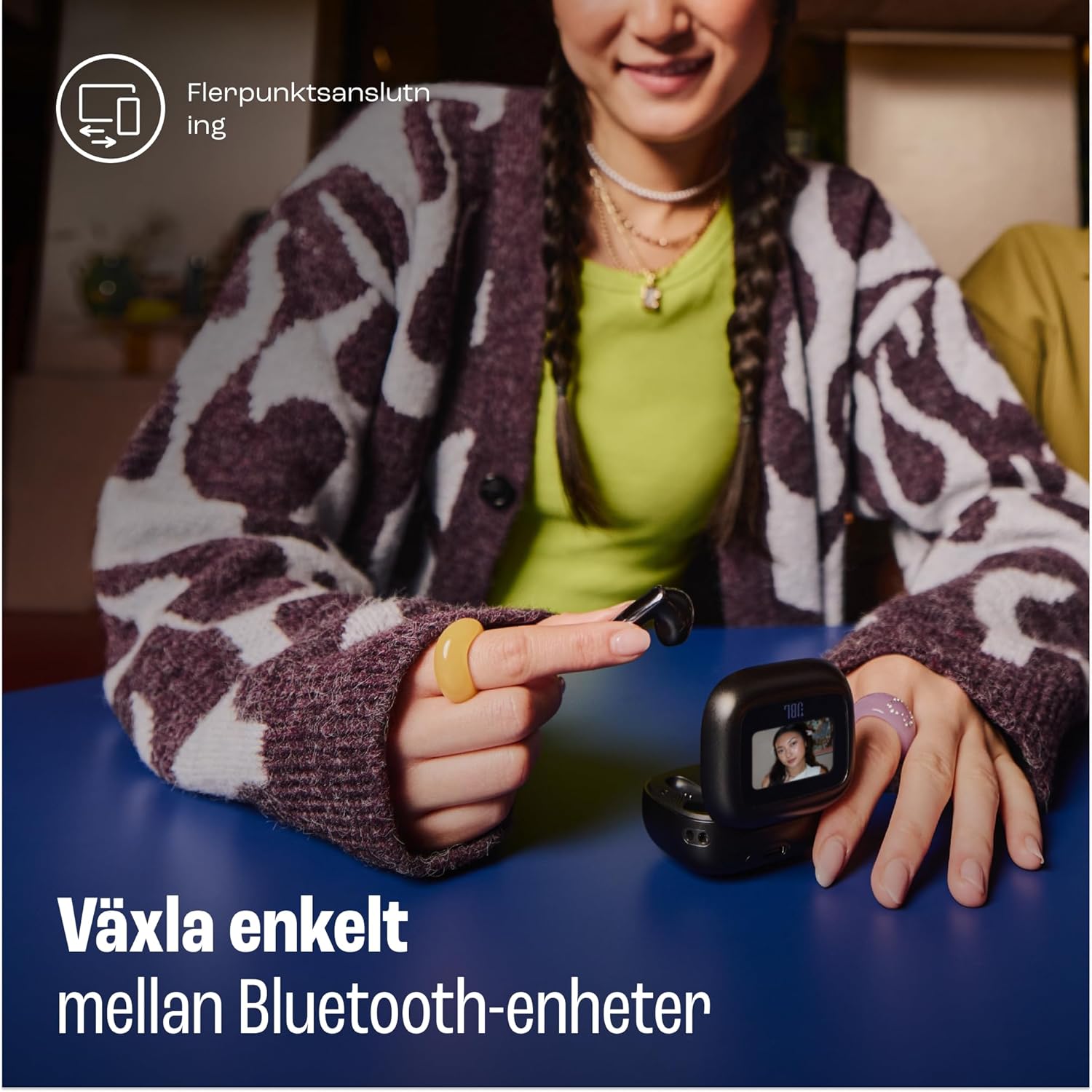
Image: A woman is shown using the touch screen of the JBL Live Flex 3 smart charging case to interact with her devices. The text on the image indicates the ability to easily switch between Bluetooth devices, highlighting the multi-point connection feature.
True Adaptive Noise Cancellation
The earbuds feature True Adaptive Noise Cancellation, which uses four noise-sensing microphones to adapt to your surroundings in real-time. This allows you to filter out external noise for an immersive listening experience.

Image: The JBL Live Flex 3 earbuds are depicted with a graphic of sound waves, illustrating the True Adaptive Noise Cancellation feature. The text emphasizes the ability to fine-tune your audio experience by adjusting noise reduction.
Multi-point Audio Switch Connection
Seamlessly switch between two Bluetooth devices. For example, you can transition from watching a video on your tablet to answering a call on your phone without re-pairing.
Google Finder
If you misplace your earbuds, utilize the Google Finder service to help locate them within a network of Android devices.
Tahan banyu lan bledug
The JBL Live Flex 3 earbuds are IP54 rated, making them water and dust-resistant. This protection allows for use during outdoor activities in various weather conditions.
Ngisi daya lan Baterei
The earbuds and charging case provide a combined playtime of up to 50 hours.

Image: The JBL Live Flex 3 charging case is open, displaying the earbuds inside. Text overlays indicate a total of 50 hours of uninterrupted playtime with wireless charging, broken down into 10 hours from the earbuds, an additional 40 hours from the charging case, and 4 hours of playtime from a 10-minute charge.
- Earbud Playtime: Nganti 10 jam kanthi biaya siji.
- Total Wektu Main karo Casing: Nganti 50 jam.
- Ngisi daya cepet: Pangisian daya 10 menit nyedhiyakake kira-kira 4 jam wektu dolanan.
- Pengisian Case: Connect the provided USB-C cable to the charging port on the case and a power source. The case also supports wireless charging.
- Pangopènan baterei: To prolong battery life, fully charge the battery at least once every 3 months. Battery life may vary based on usage and environmental conditions.
Pangopènan
- Reresik: Regularly clean the earbuds and charging contacts with a dry, soft cotton swab. Avoid using harsh chemicals or abrasive materials.
- Panyimpenan: Yen ora digunakake, simpen earbud ing kothak pangisi daya kanggo nglindhungi lan tetep diisi daya.
- Paparan banyu: While water-resistant, avoid prolonged submersion in water. Ensure earbuds are dry before placing them back in the charging case.
Ngatasi masalah
- Ora Swara: Ensure earbuds are charged and properly paired. Check device volume and earbud placement.
- Masalah Sambungan: Try unpairing and re-pairing the earbuds. Ensure no other Bluetooth devices are interfering.
- Earbud Ora Ngisi Daya: Resiki kontak pangisi daya ing earbud lan casing. Priksa manawa kabel pangisi daya wis disambungake kanthi aman.
- Noise Cancellation Ora Bisa: Verify that True Adaptive Noise Cancellation is enabled via the smart case or JBL Headphones app.
Spesifikasi
| Fitur | Spesifikasi |
|---|---|
| Jeneng Model | JBL Live Flex 3 |
| Teknologi Konektivitas | Nirkabel (Bluetooth 5) |
| Kontrol swara | Adaptive Noise Cancellation |
| Baterei Rata-rata Urip | 50 Jam (karo kasus pangisi daya) |
| Wektu Ngisi daya | 15 minutes (for fast charge) |
| Tingkat tahan banyu | IP54 (Tahan banyu) |
| Bobot Barang | 72 XNUMXgm |
| Tipe Kontrol | Kontrol Tutul |
| Klebu Komponen | Earbuds, Ear Tips, USB-C Cable, Charging Case, Warranty, Quick Guide |
Warranty lan Dhukungan
For warranty information and customer support, please refer to the warranty bill included in your package or visit the official JBL websitus. Sampeyan uga bisa ngunjungi JBL Store ing Amazon kanggo rincian produk lan sumber daya dhukungan tambahan.