
Pambuka
The VEVA Circular Air Purifier is designed to provide clean, fresh air in your home or office. It features a multi-stage filtration system, including a HEPA filter and UV-C light, to effectively capture airborne particles and help sanitize the air. Its compact design and quiet operation make it suitable for various room sizes, covering up to 220 sqft.
Produk Overview

This diagram illustrates the three layers of filtration: a removable pre-filter, an activated carbon filter, and an H13 HEPA filter, working together to capture airborne particles.
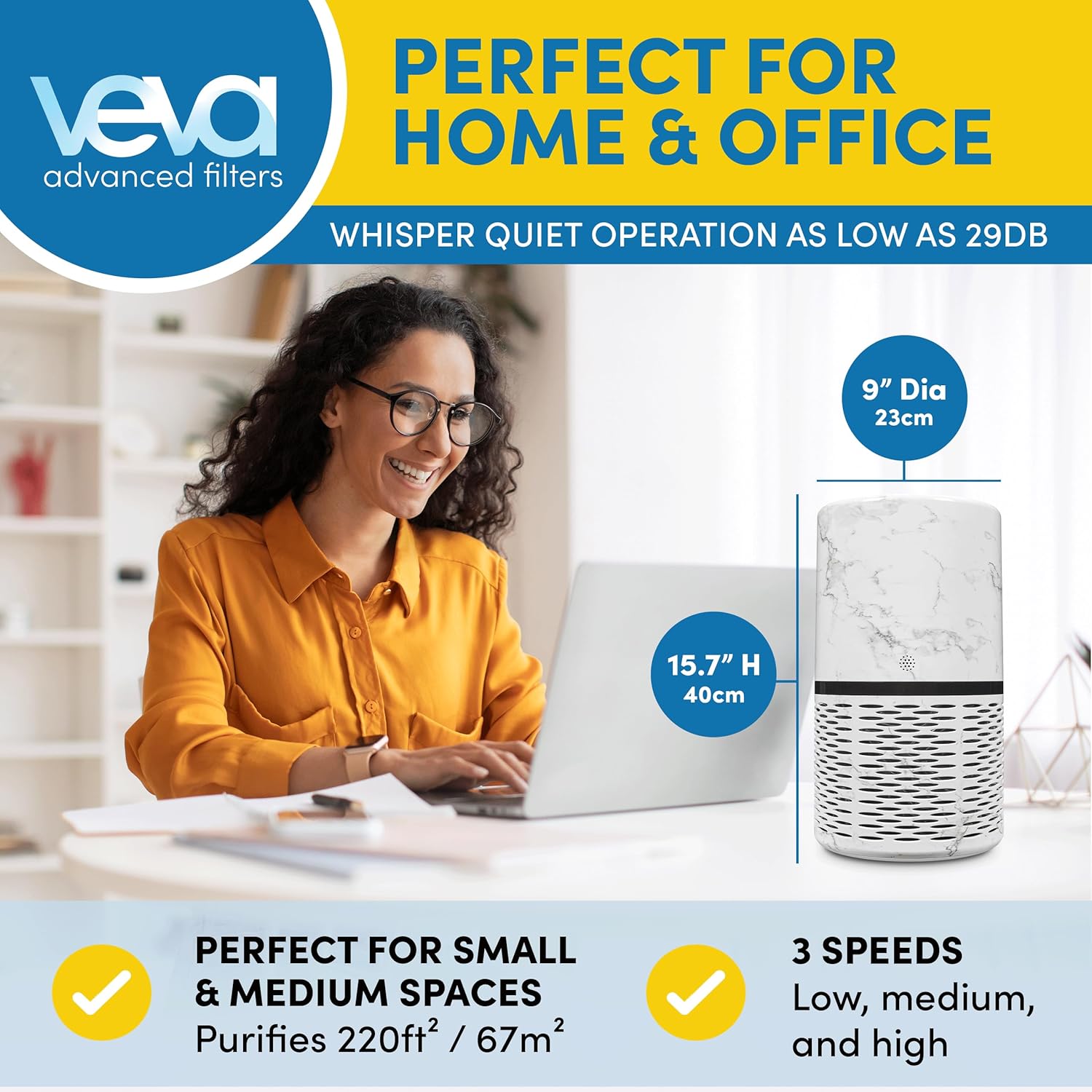
The air purifier's dimensions are 9 inches diameter and 15.7 inches high, suitable for purifying up to 220 sqft. It operates quietly, as low as 29dB.
Video resmi iki nyedhiyakake visual babaganview of the VEVA Circular Air Purifier, highlighting its design, filtration system, and ease of use.
Pandhuan Setup
- Mbukak Unit: Carefully remove the air purifier and all components from its packaging.
- Mbusak Filter Packaging: Locate the filter inside the unit and remove any plastic wrapping or protective materials.
- Instal Filter:Remove the base of the air purifier by twisting it counter-clockwise. Insert the ProHEPA™ Mini UV Filter into the unit, ensuring the tag is facing outwards. Secure the base by twisting it clockwise until it locks.

To replace the filter, remove the base of the unit, then insert the new ProHEPA™ Mini UV Filter with the tag madhep sampeyan.
- Panggonan: Place the air purifier on a firm, level surface, ensuring adequate space around the unit for optimal airflow.
- Sambungan daya: Tancepake kabel listrik menyang stopkontak standar.
Instruksi Operasi

The control panel features buttons for Sleep Mode, Auto Mode, Speed adjustment, UV-C light, and a Timer for 2, 4, or 8-hour intervals. An air quality indicator is also present.
- Daya On/Off: Press the power button (usually indicated by a circle with a vertical line) on the control panel to turn the unit on or off.
- Pengaturan Kacepetan Kipas: Press the 'Speed' button to cycle through three fan speed settings (Low, Medium, High).
- UV-C Light Function: Press the 'UV' button to activate or deactivate the UV-C light for enhanced air sanitization.
- cahya alus: The unit features a soft light, ideal for night use. This light can typically be controlled via the control panel or automatically adjusted in Sleep Mode.
- Mode Turu: Activate Sleep Mode for quiet operation and muted brightness, ensuring a peaceful environment.
- Mode Otomatis: When Auto Mode is selected, the air purifier will automatically adjust its fan speed based on the detected air quality.
- Mode wektu: Use the 'Timer' button to set the operating duration for 2, 4, or 8 hours. The unit will automatically shut off after the selected time.
- Indikator Kualitas Udara: The unit includes an air quality indicator that provides visual feedback on the current air quality.
Pangopènan
- Ganti Filter: For optimal performance, replace the ProHEPA™ Mini UV Filter every 6-12 months. Refer to the 'Setup Instructions' for filter replacement steps.
- Reresik njaba: Usap sisih njaba pembersih udara nganggo kain alus lan garing. Aja nggunakake pembersih utawa pelarut sing abrasif.
- Pre-Filter Cleaning: The removable pre-filter can be gently cleaned with a soft brush or vacuum cleaner to remove larger particles. Ensure it is completely dry before re-installing.
Ngatasi masalah
- Unit ora urip:
- Ensure the power cord is securely plugged into a working electrical outlet. Check if the power button has been pressed. Verify that the filter is correctly installed and the base is securely locked.
- Aliran udara sing lemah:
- Check if the filter is clogged and requires cleaning or replacement. Ensure there are no obstructions blocking the air intake or outlet vents.
- Suara sing ora biasa:
- Ensure the unit is placed on a stable, flat surface. Check for any foreign objects inside the unit or around the fan. The filter might be incorrectly installed.
- Indikator kualitas udara ora owah:
- Ensure the sensor is not blocked or dirty. Gently clean the sensor area if accessible, following manufacturer guidelines.
Spesifikasi
| Fitur | Rincian |
|---|---|
| Dimensi produk | 9 x 9 x 15.7 inci |
| Bobot Barang | 8.05 Pound (3.65 Kilogram) |
| Sumber Daya | AC/DC |
| Metode Kontrol | Touch, Button Control |
| Jinis Filter | HEPA |
| Kelas Filter | HEPA, UV-C |
| Cakupan Area Lantai | 220 Kaki Persegi |
| Tingkat Noise | 29 desibel |
| Fitur Khusus | UV-C light sanitization, compact and modern design |
| warna | Putih |
| ASIN | B09N7MD2QL |
| UPC | 860006769130 |
Warranty lan Dhukungan
For any issues not covered in this manual, or for warranty information, please contact VEVA customer support. Refer to the product packaging or the official VEVA websitus kanggo rincian kontak.