
1. Instruksi Safety Penting
Mangga maca kabeh instruksi kasebut kanthi teliti sadurunge instalasi lan nggunakake. Simpen manual iki kanggo referensi ing mangsa ngarep.
Keamanan Umum
- Priksa manawa sumber daya wis pedhot sadurunge instalasi, pangopènan, utawa reresik.
- Piranti iki ora dimaksudake kanggo digunakake dening wong (kalebu bocah-bocah) sing kurang kemampuan fisik, sensori utawa mental, utawa kurang pengalaman lan kawruh, kajaba wis diwenehi pengawasan utawa instruksi babagan panggunaan piranti kasebut dening wong sing tanggung jawab kanggo safety.
- Anak kudu diawasi kanggo mesthekake yen dheweke ora muter piranti kasebut.
Safety Listrik
- All electrical connections must be made by a qualified electrician and conform to local codes and regulations.
- Priksa manawa voltage and frequency of your power supply match the specifications of the fan.
- The fan must be properly grounded to prevent electric shock.
Safety Instalasi
- Mount the fan to a ceiling structure capable of supporting a minimum of 15 kg (33 lbs).
- Ensure there is adequate clearance between the fan blades and any obstacles (walls, furniture) and the floor. A minimum distance of 2.3 meters (7.5 feet) from the floor to the blades is recommended.
- Do not install the fan in a location where it can be easily reached by children or pets.
2. Produk Liwatview
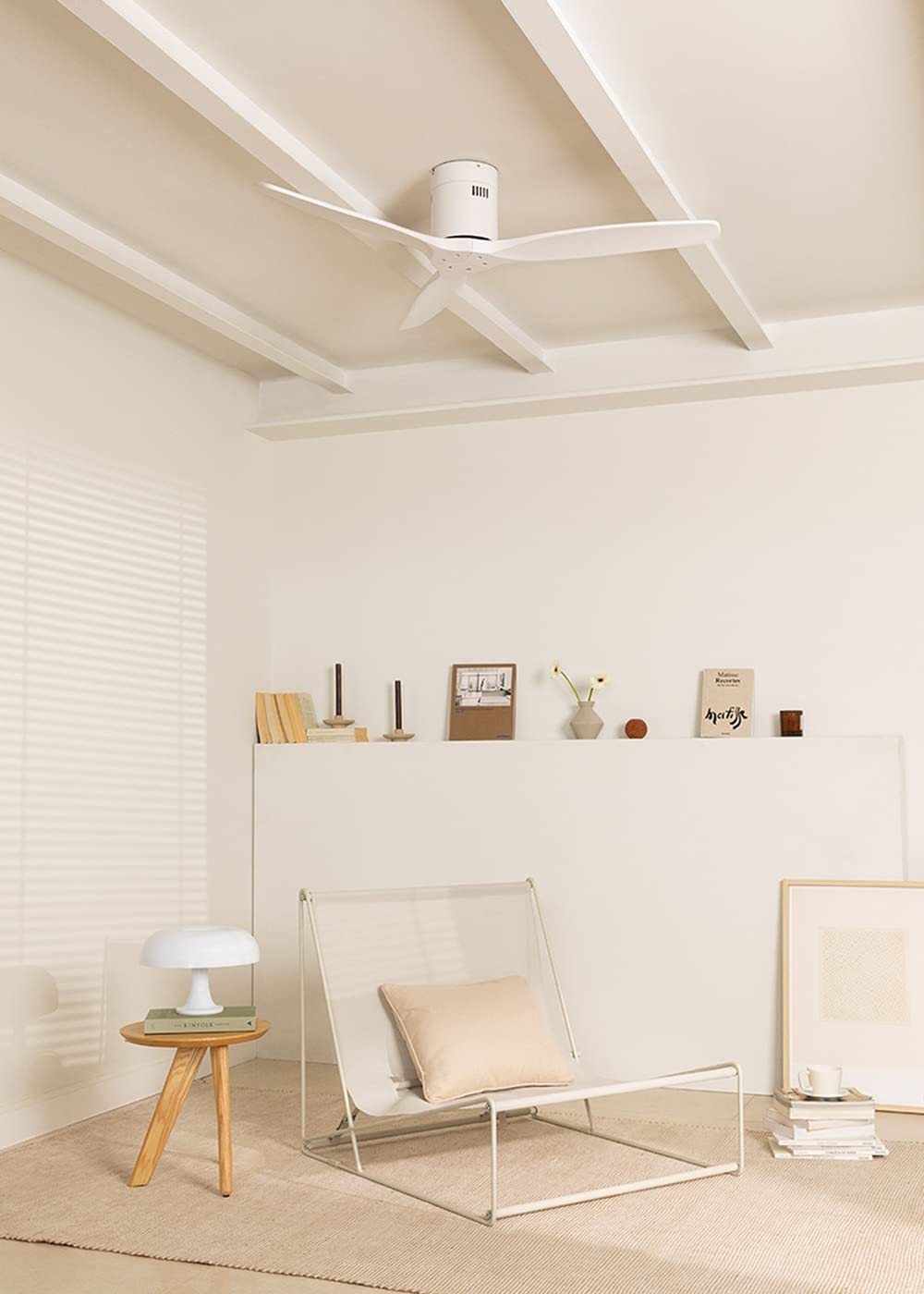
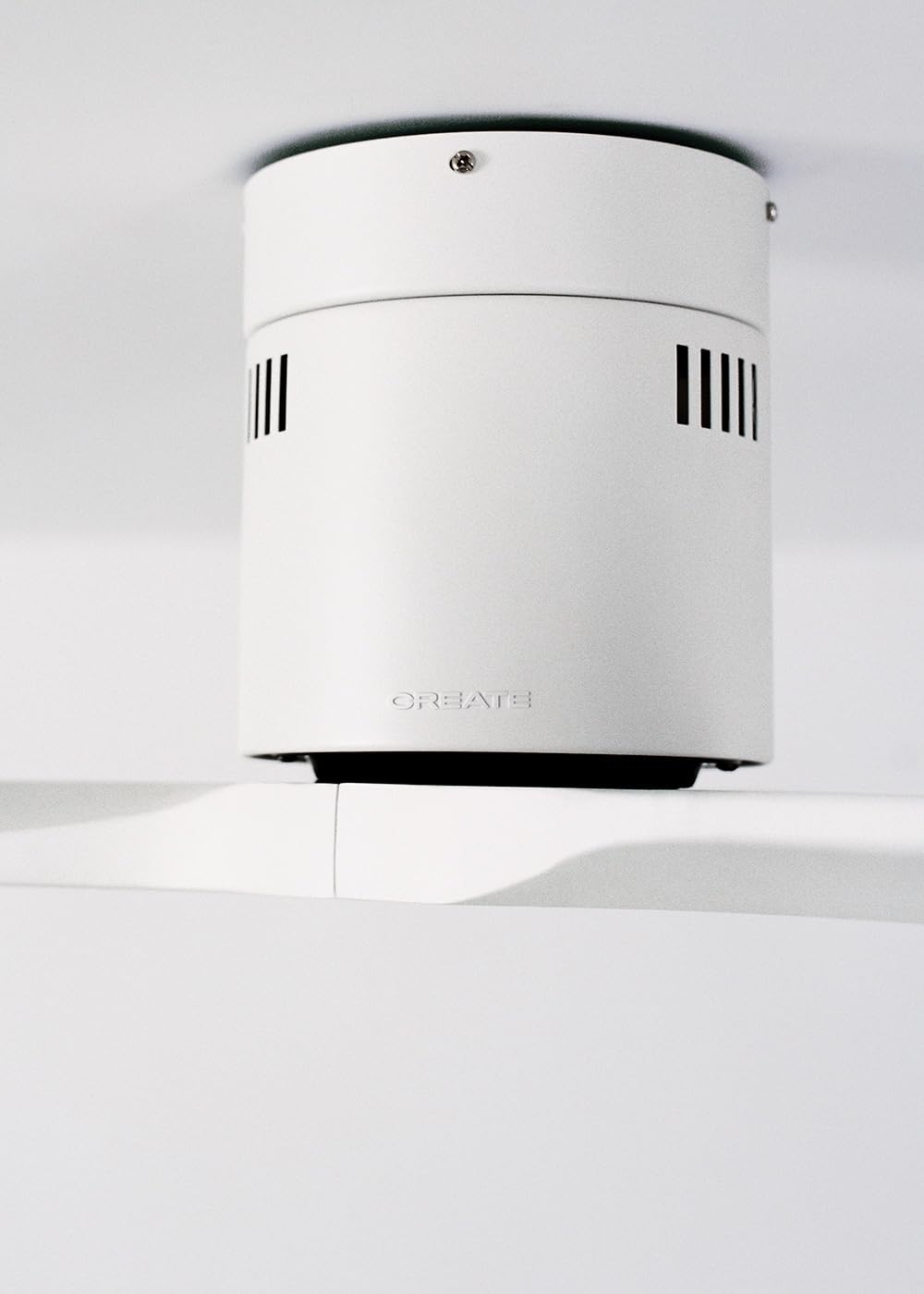
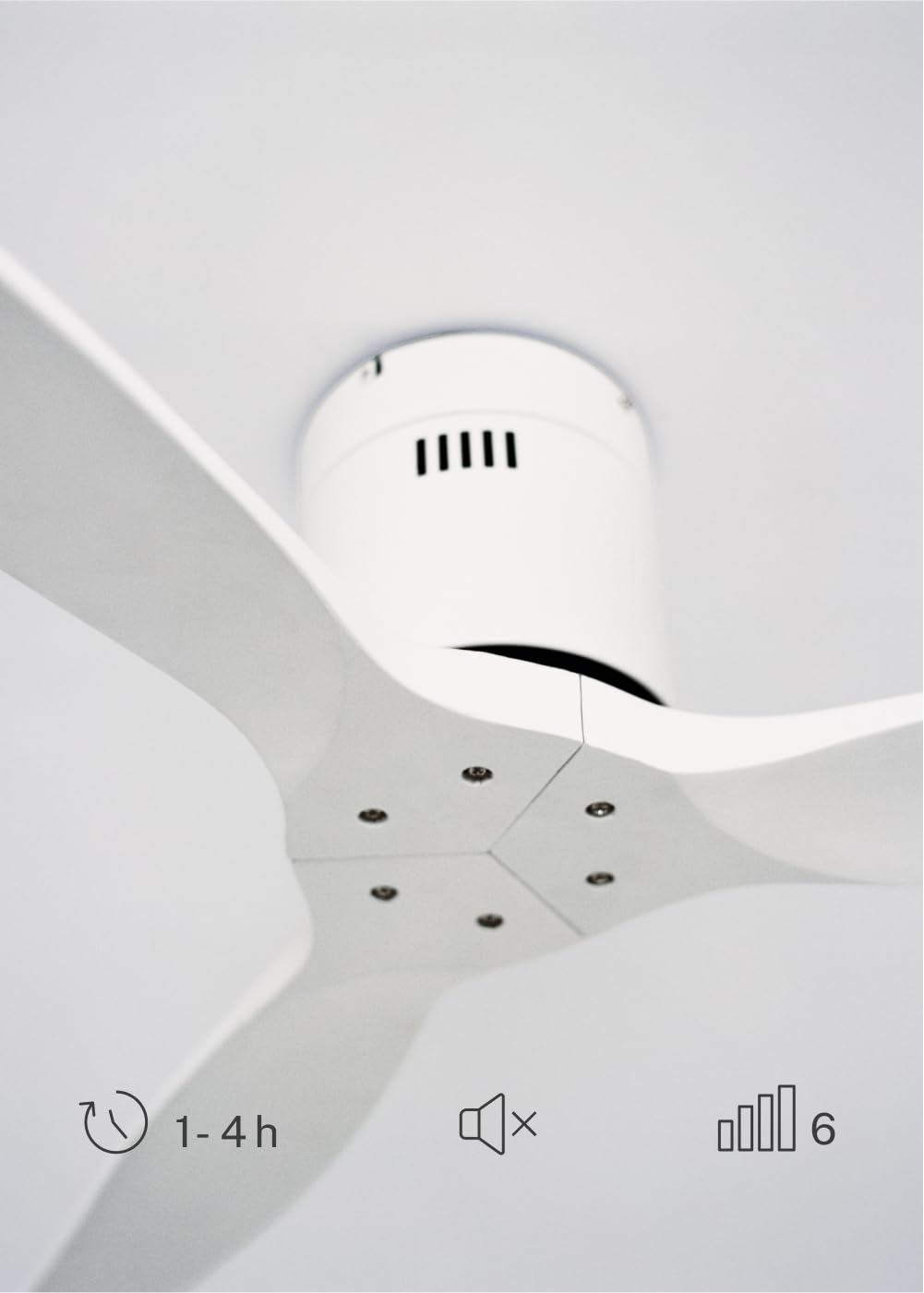
The CREATE WINDCALM DC Ceiling Fan is designed for efficient and quiet air circulation in various indoor spaces. It features a durable aluminum body, a silent DC motor, and three lightweight blades, ensuring minimal noise operation. The fan offers 6 adjustable speeds and a programmable timer for convenience.

3. Spesifikasi Teknis
| Fitur | Spesifikasi |
|---|---|
| Merk | NYIPTA |
| Nomer Model | 43479_88375 |
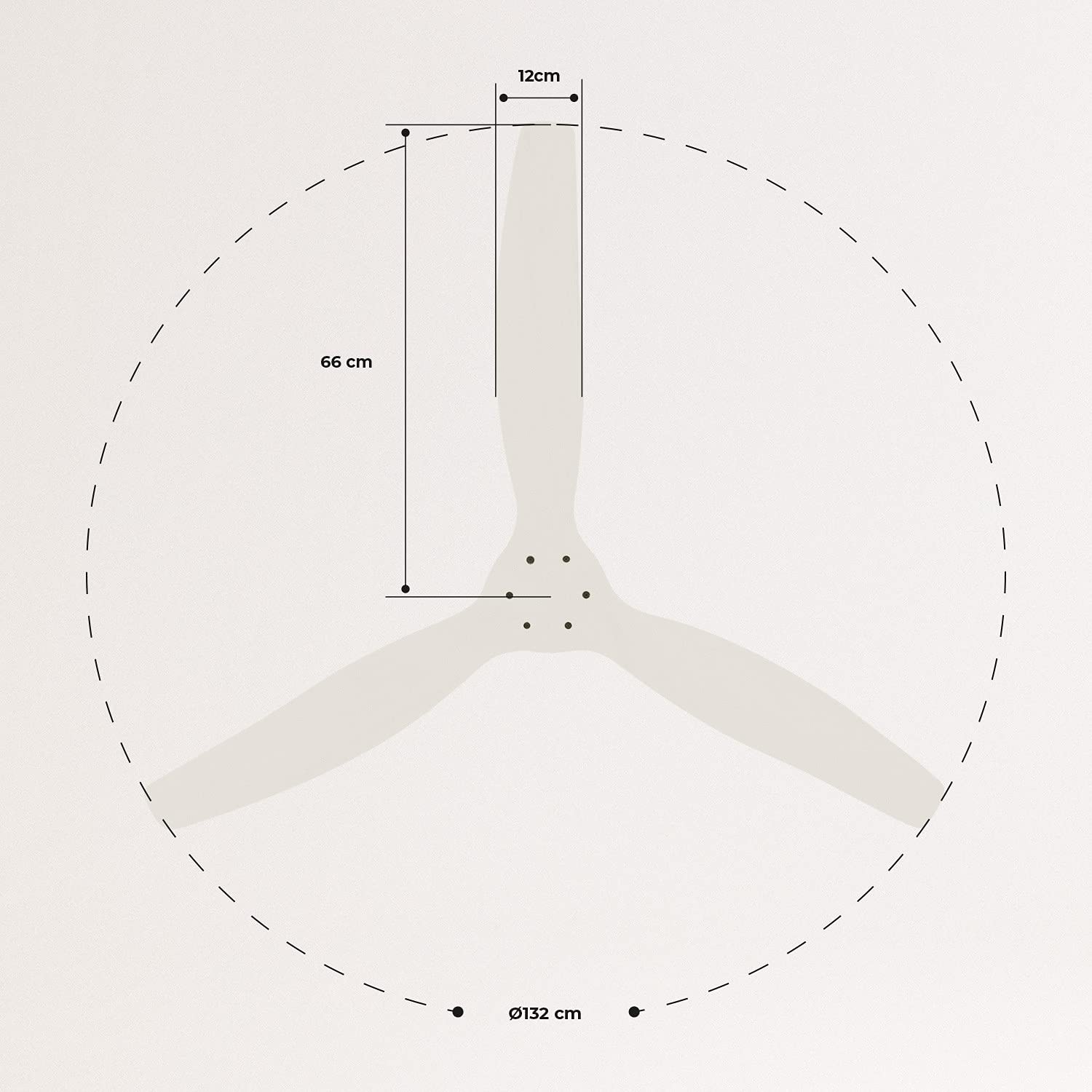
| Ukuran (L x W x H) | 132 x 132 x 29 cm |
| Bobot | 6.38 kg |
| Desain Fan | Kipas langit-langit |
| Sumber Daya | Kabel Listrik Kab |
| Fitur Khusus | High Speed, Silent DC Motor, Timer, Summer/Winter Function |
| Dianjurake Gunakake | Ventilasi |
| Jinis Kamar | Living Room (suitable for 13m² to 25m² rooms) |
| warna | White Blades |

4. Pandhuan Instalasi
Proper installation is crucial for the safe and efficient operation of your ceiling fan. It is highly recommended that installation be performed by a qualified electrician.
Priksa Pra-Pasang
- Bongkar kabeh komponen lan verifikasi karo dhaptar pengepakan.
- Ensure the ceiling joist or support structure is strong enough to hold the fan's weight.
- Turn off power at the main circuit breaker before starting any electrical work.
Pemasangan Kipas Angin
- Secure the mounting bracket to the ceiling outlet box using appropriate screws and washers.
- Angkat rakitan motor kipas kanthi ati-ati lan pasangake menyang braket pemasangan.
Sambungan Wiring
Connect the electrical wires according to the wiring diagram provided in the separate detailed installation manual (not included in this general overview). Ensure all connections are secure and insulated.
Attaching Blades
Attach the fan blades to the motor hub using the provided screws. Ensure all screws are tightened securely.

5. Instruksi Operasi
Your CREATE WINDCALM DC Ceiling Fan comes with a remote control for convenient operation of all its functions.
Fungsi Remote Control
Remote kontrol ngijini sampeyan kanggo:
- Daya On/Off: Nguripake utawa mateni kipas.
- Pangaturan Kecepatan: Select from 6 different fan speeds to control airflow intensity.
- Setelan Timer: Program the fan to automatically turn off after 1, 2, or 4 hours.
- Mode Musim Panas/Musim Dingin: Change the direction of blade rotation to optimize air circulation for different seasons.
Mode Musim Panas
In summer mode, the fan blades rotate counter-clockwise, pushing air downwards. This creates a cooling breeze effect, helping to dissipate heat and refresh the room.

Mode mangsa
In winter mode, the fan blades rotate clockwise, drawing air upwards. This helps to circulate warm air that accumulates near the ceiling, distributing it evenly throughout the room and improving heating efficiency.
6. Maintenance lan Care
Pangopènan reguler njamin umur dawa lan kinerja optimal kipas langit-langit sampeyan.
Reresik
- Tansah mateni daya penggemar ing pemutus sirkuit sadurunge ngresiki.
- Gunakake alus, damp cloth to wipe down the fan blades and motor housing. Do not use abrasive cleaners or solvents, as they may damage the finish.
- Ensure the fan is completely dry before restoring power.
Priksa Reguler
- Periodically check all screws and fasteners on the mounting bracket and blade attachments to ensure they are secure. Tighten if necessary.
- Listen for any unusual noises during operation, which may indicate a loose part or an issue with the motor.
7. Ngatasi masalah
If you encounter any issues with your fan, refer to the following common problems and their solutions:
| Masalah | Kemungkinan Penyebab | Solusi |
|---|---|---|
| Fan ora diuripake | Ora ana sumber daya Sambungan kabel sing longgar Baterei remot kontrol sithik | Priksa pemutus sirkuit lan saklar tembok Verify all wiring connections are secure (consult electrician) Ganti baterei remot kontrol |
| Kipas angin nggawe swara sing banter banget | Sekrup longgar ing bilah utawa pemasangan Pisau bengkok Masalah motor | Kenceng kabeh sekrup Check blades for damage and replace if necessary Hubungi dhukungan pelanggan |
| Remote kontrol ora bisa digunakake | Batere wis entek Obstruksi antarane remot lan panrima Remote ora dipasangake (yen ana) | Ganti baterei Priksa garis pandelengan sing jelas Refer to detailed manual for pairing instructions |
| Fan goyang | Longgar pemasangan braket Blades sing ora seimbang | Ensure mounting bracket is securely fastened Check blade balance and use balancing kit if needed |
8. Warranty lan Dhukungan
For warranty information, technical support, or replacement parts, please contact CREATE customer service. Keep your purchase receipt as proof of purchase.
You can find more information and contact details on the official CREATE websitus: www.create-store.com