
LiftMaster LA400-2PKG
LiftMaster LA400 24VDC Actuator Swing Gate Operator User Manual
Model: LA400-2PKG
Pambuka
This manual provides comprehensive instructions for the installation, operation, and maintenance of your LiftMaster LA400 24VDC Actuator Swing Gate Operator Dual Arm Package. Designed for reliable and secure gate automation, this system offers advanced features for enhanced convenience and safety. Please read this manual thoroughly before beginning installation or operation to ensure proper functioning and to prevent injury or damage.
Isi Paket
Your LiftMaster LA400PKGUL Dual Swing Gate Opener package includes the following components:
- Two LA400DC Actuator Arms (one primary, one secondary)
- Battery Backup with Control Board
- Monitored Retro Reflective Photo Eye
- Two Remote Controls with Visor Clips

Image: Complete LiftMaster LA400 Dual Swing Gate Operator package, including two actuator arms, a control box, a photo eye, and two remote controls.
Fitur Utama
- Dual Arm Operation: The system includes two actuator arms, allowing for the automation of dual swing gates. Each arm is designed for robust and reliable performance.

Image: Two LiftMaster LA400 actuator arms, designed to operate dual swing gates.
- Battery Backup with Control Board: Njamin operasi terus-terusan sajrone daya outages, providing uninterrupted access to your property. The control board manages all system functions.
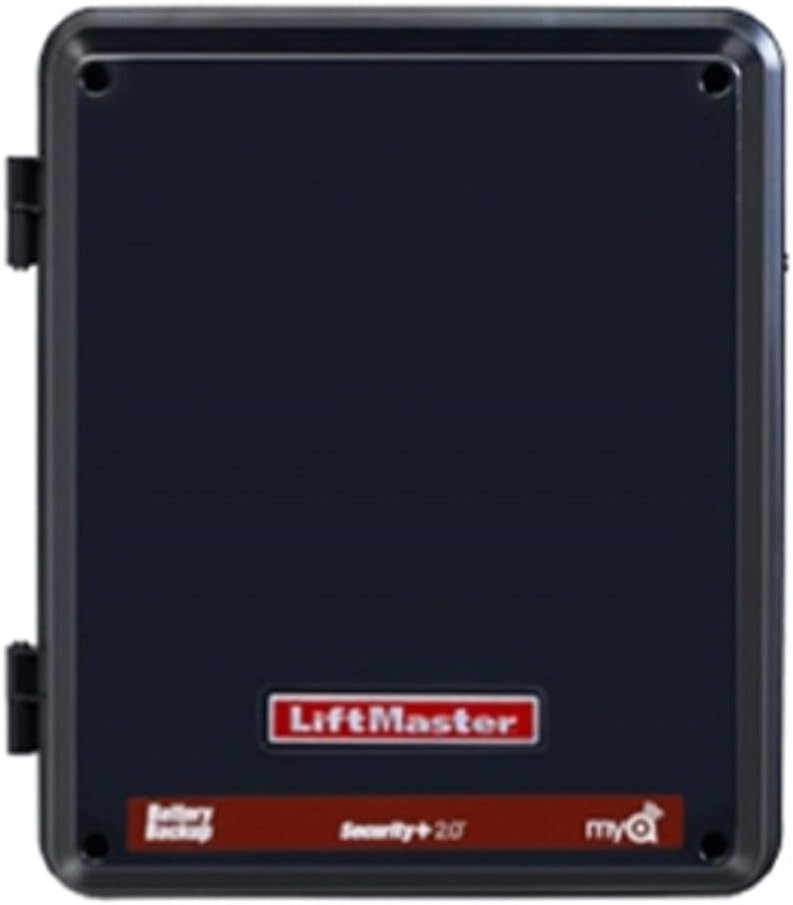
Image: The LiftMaster control box, which houses the battery backup and main control board for the gate operator system.
- Monitored Retro Reflective Photo Eye: A crucial safety feature that detects obstructions in the gate's path, preventing the gate from closing on vehicles or individuals.
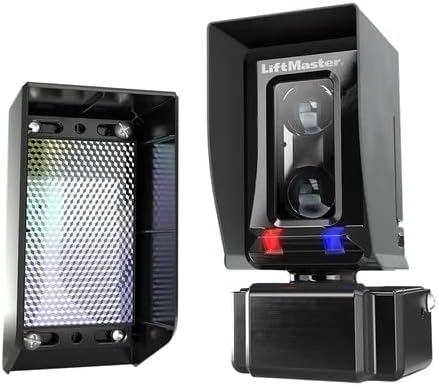
Image: The monitored retro reflective photo eye, an essential safety component for detecting obstructions.
- Security+ 2.0 Radio Receiver: Encrypts the gate's signal, providing enhanced security against interference and unauthorized access.
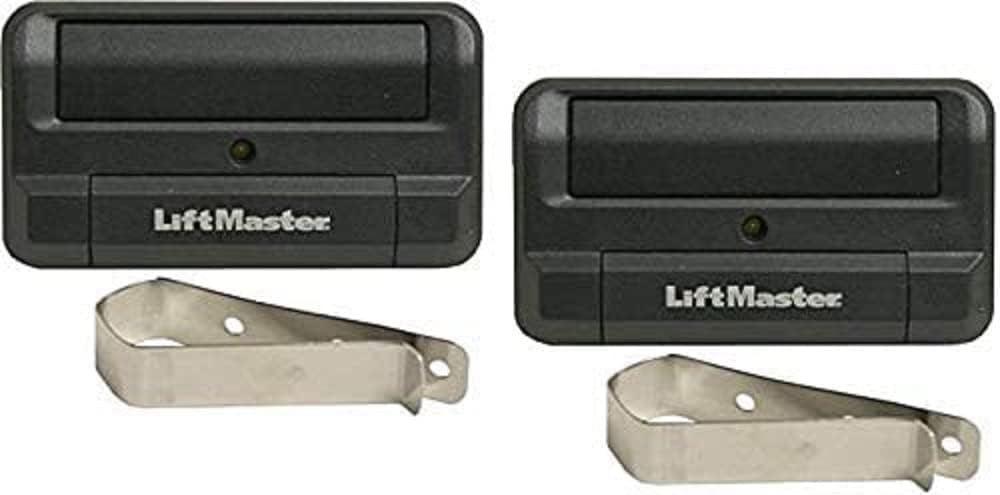
Image: Two LiftMaster remote controls, used for operating the gate system.
- Fitur Nutup Cepet: Requires an optional expansion board (not included). This feature allows the gate to quickly close behind vehicles, preventing tailgaters.
- App Integration (myQ): Compatible with the myQ smartphone app, enabling users to monitor and control the gate remotely, receive real-time alerts on gate status, and open/close the gate from anywhere.
- Pambalikan Keamanan: The photo eye system ensures that the gate reverses if an obstruction is detected, enhancing user safety.
Spesifikasi
| Spesifikasi | Rincian |
|---|---|
| Nomer Part | LA400-2PKG |
| Bobot Barang | 85 kab |
| Dimensi produk | 45 x 25 x 15 inci |
| ASIN | B00CMAWRAM |
| Tanggal Kapisan Kasedhiya | 2 Mei 2013 |
| Main Power (Motor) | 24V DC |
| Main Supply (Control) Dedicated Circuit | 120V~/60Hz |
| Daya Serap | 0.75 Watt |
| Konsumsi Saiki | 2A |
| Konsumsi Daya | 48 Watt |
| Pangisi daya Baterei | 26Vac, 29VA, or 36Vdc, 40VA |
Setup lan Instalasi
Installing the LiftMaster LA400 system involves mounting the actuator arms to your gate and gate posts, and connecting them to the control box. For dual gate setups, one arm is installed on each gate leaf.
Mounting the Actuator Arms
The actuator arms should be securely mounted to both the gate frame and a sturdy gate post. Ensure proper alignment to allow for smooth gate movement. The system is designed for straightforward mounting, typically involving bolting the arms to the gate and post.
Control Box Placement and Electrical Connections
The control box, which houses the electrical components and battery backup, should be mounted in a secure location, typically near one of the gate posts. All electrical connections from the actuators and photo eye will route to this box. The control box is designed to withstand various weather conditions, including rain and storms.
Photo Eye Installation
Install the photo sensors on the outside of the gate, ensuring they are aligned to create a beam across the gate's opening. This sensor detects when a vehicle or person passes through, triggering safety features. One part of the photo eye acts as a reflector, and the other as the sensor.
Cathetan Penting: For outswing applications, the LiftMaster PUSH TO OPEN Bracket Kit is required and is NOT included with this package. Additionally, for advanced programming features or accessories such as external loops, plug-in loops, auxiliary relays, and inputs, an optional Expansion Control Board is needed and is NOT included.
Instruksi Operasi
Your LiftMaster LA400 gate operator is designed for user-friendly operation.
- Operasi Remote Control: Use the provided remote controls to open and close your gate. Keep the remote in your vehicle for convenient access.
- myQ App Integration: For enhanced control, integrate your gate system with the myQ smartphone app. This allows you to open/close the gate, receive real-time alerts on gate status, and manage access from any location with internet connectivity.
- Fitur safety: The integrated photo eye ensures that the gate will not close if an obstruction is detected in its path. The Quick Close feature (with optional expansion board) allows the gate to close rapidly after a vehicle passes, enhancing security.
Pangopènan
Regular maintenance ensures the longevity and optimal performance of your LiftMaster LA400 gate operator.
- Inspect Actuator Arms: Periodically check the actuator arms for any signs of wear, damage, or loose connections. Ensure they move freely without obstruction.
- Clean Photo Eyes: Keep the photo eye lenses clean and free from dirt, dust, or spiderwebs to ensure accurate obstruction detection.
- Priksa sambungan listrik: Verify that all electrical connections within the control box and to the actuators are secure and free from corrosion.
- Priksa baterei: If you experience power outages, ensure the battery backup is functioning correctly. Consult the full product manual for battery testing and replacement procedures.
- Clear Gate Path: Regularly clear the gate's path of any debris, vegetation, or other obstructions that could interfere with its operation or trigger safety sensors.
Ngatasi masalah
If you encounter issues with your LiftMaster LA400 gate operator, consider the following common troubleshooting steps:
- Gate Not Opening/Closing:
- Check power supply to the control box.
- Ensure photo eyes are clean and aligned; clear any obstructions.
- Verify remote control batteries are functional.
- Gate Reverses Unexpectedly:
- Inspect the gate path for any obstructions.
- Clean and check alignment of photo eyes.
- Ora ana tanggapan saka Remote:
- Ganti baterei remot kontrol.
- Ensure the remote is programmed correctly to the receiver.
For more detailed troubleshooting or issues not covered here, please refer to the complete LiftMaster LA400 technical manual or contact LiftMaster customer support.
Warranty lan Dhukungan
For information regarding the product warranty, technical support, or to purchase additional accessories, please visit the official LiftMaster websitus utawa hubungi departemen layanan pelanggan. Simpen kuitansi tuku minangka bukti tuku kanggo klaim garansi.
Resmi LiftMaster Websitus: www.liftmaster.com